
Tax figures on these screens are decision support, not tax advice; a professional reviews before anything is filed.
Open the assistant and pick a jurisdiction
Choose Tax assistant in the sidebar. The box at the bottom takes a question in plain English. Three controls sit under it: the answer mode (Quick answer), the jurisdiction (Any jurisdiction, or a country) and the tax year (Current year by default).
Setting the country narrows the answer to that country's rules and its sources. Four example questions are offered on an empty conversation.
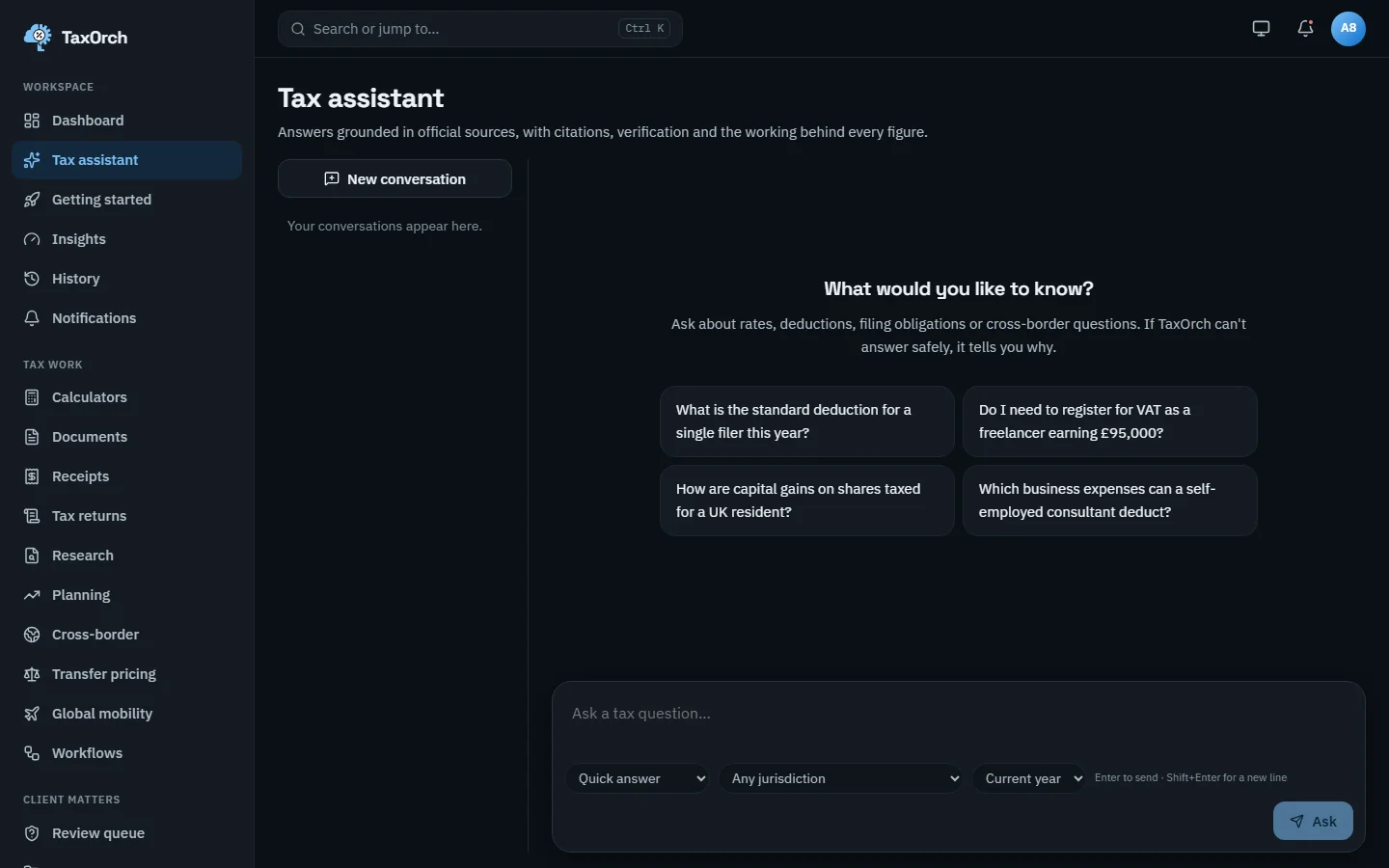
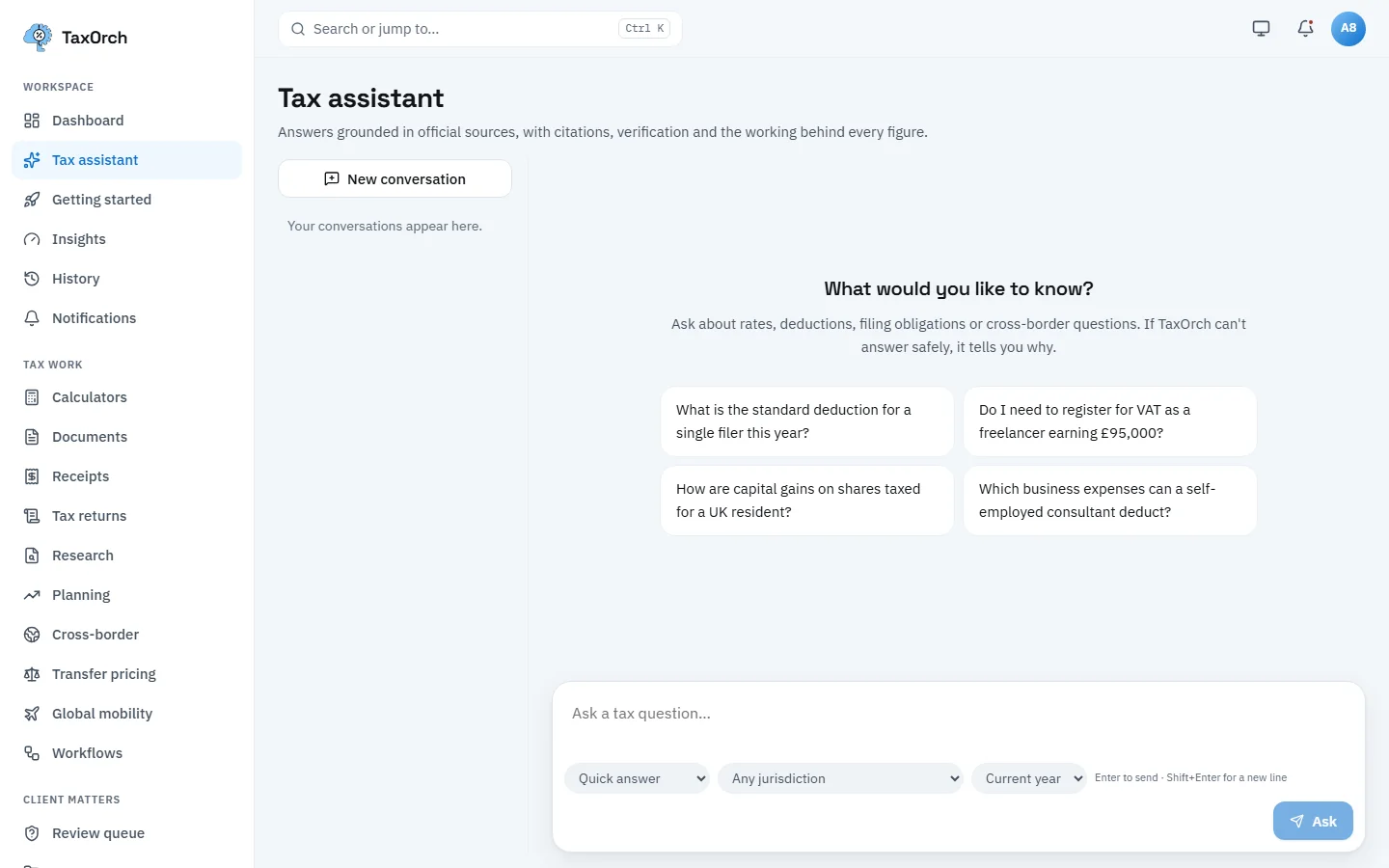
A new conversation: example questions, and the mode, jurisdiction and tax year controls under the question box.
Ask a question and read the answer
Ask: I sell software subscriptions from Germany. What VAT rate do I charge German customers? With Germany selected, TaxOrch answers that the standard VAT rate in Germany is 19% (2026), that reduced rates and exemptions apply to specific goods and services, and cites the European Commission's Taxes in Europe Database.
Three badges sit above the answer: the verification level (here, source published value), the country (DE) and the tax year (2026). The source link opens the official page.
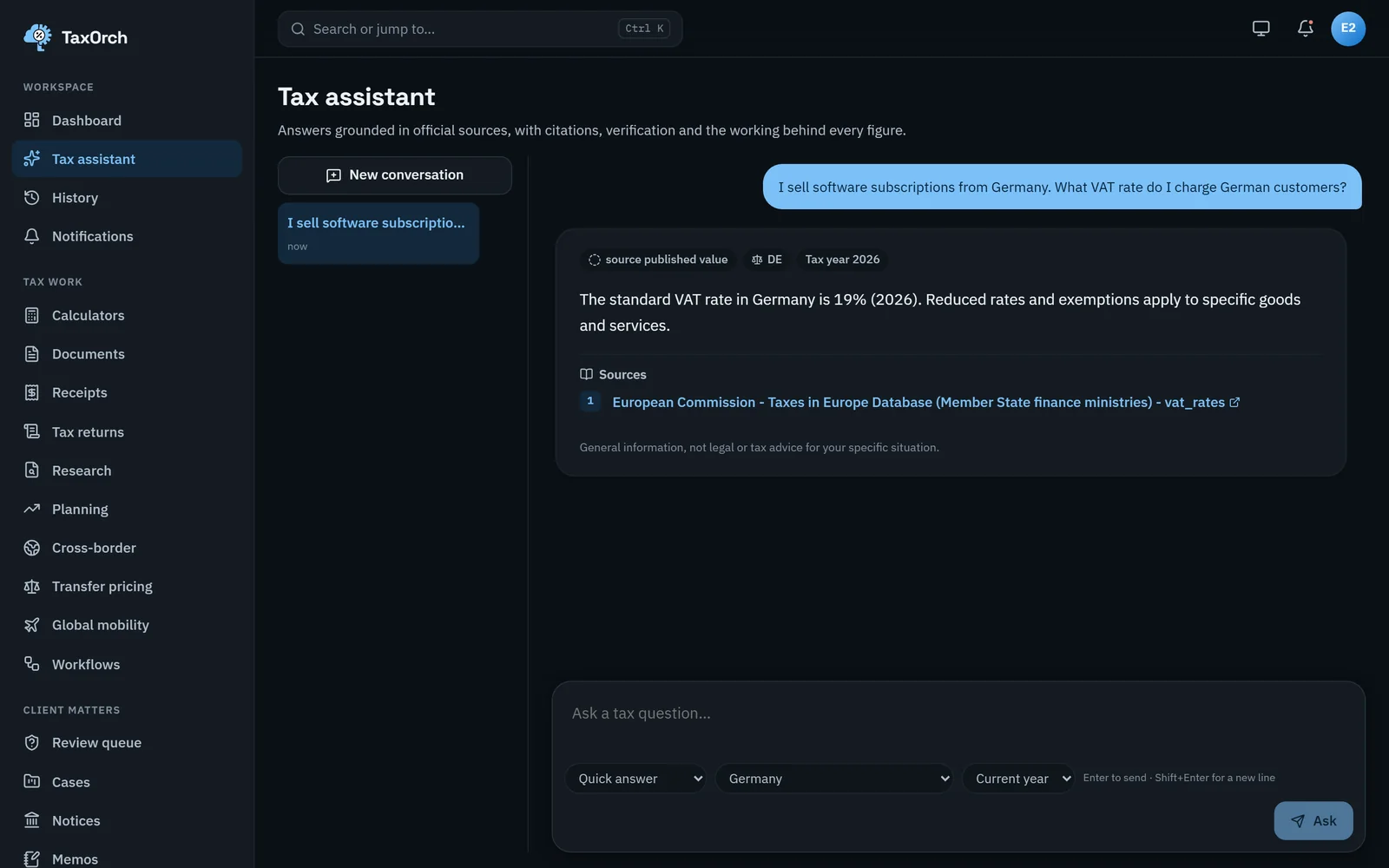
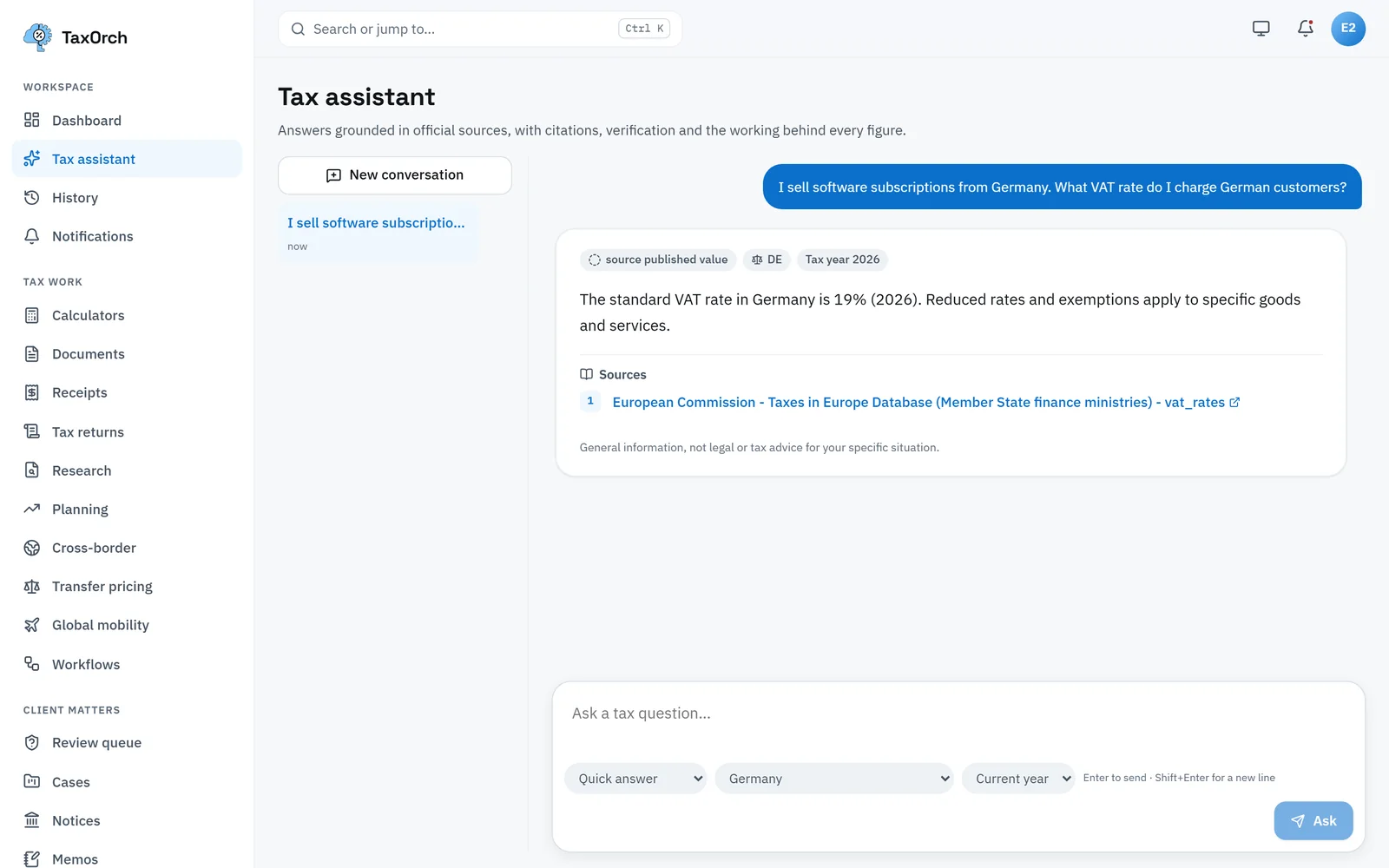
Germany VAT: 19% (2026), cited to the European Commission's Taxes in Europe Database.
Read the verification badges and the AI disclosure
Official figure (green) means the value was checked against the cited official publication. Source published value means the figure is taken from a published official table. Not verified for this year and No verified source yet mean TaxOrch will not give a figure.
Under each answer, How AI was used states that the answer was drafted from the cited official sources and that figures come from TaxOrch's calculators and sourced tables. The UK VAT answer shows all of this: Official figure, GB, tax year 2026-27, cited to HM Revenue & Customs.
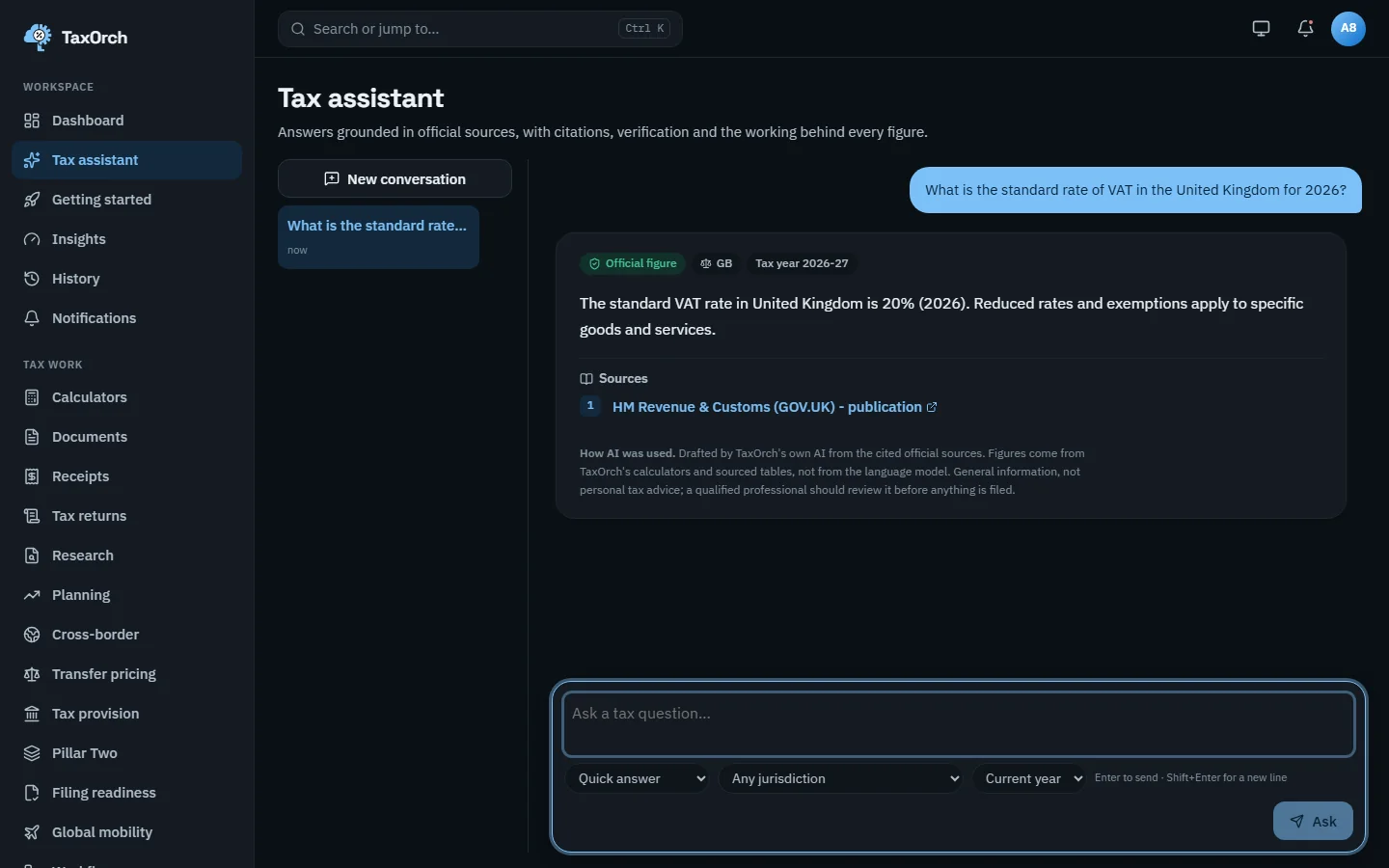
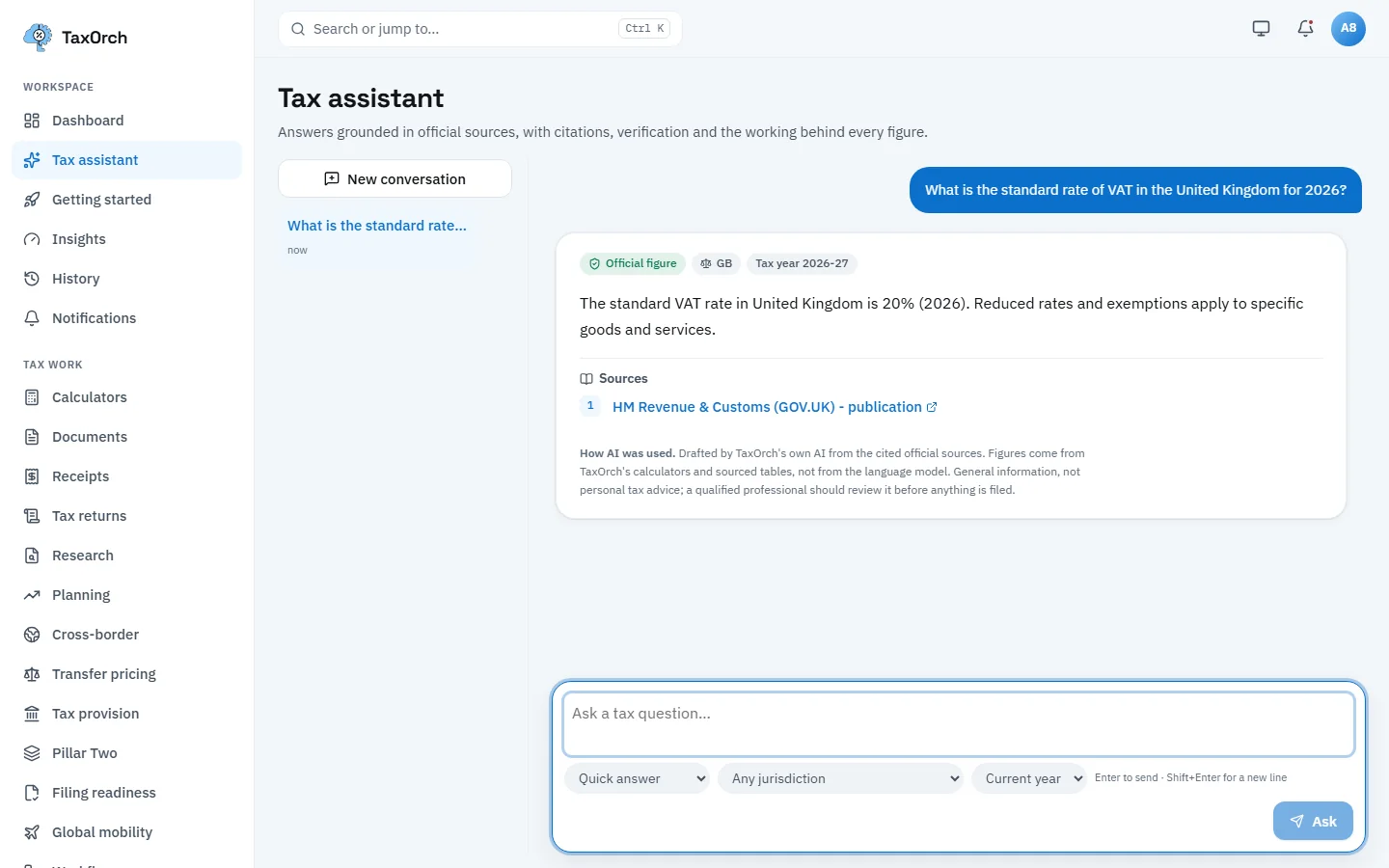
An Official figure badge, the HMRC source, and the How AI was used disclosure under the answer.
Follow up, and notice when a professional review is advised
A follow-up in the same conversation keeps the topic. Ask about an Indian company paying royalties to a UK company: TaxOrch gives India's 20% domestic rate on royalties paid to non-residents, the 15% rate the India-UK treaty publishes, and explains that residence, beneficial ownership, holding thresholds and anti-abuse rules are not decided by the dataset, so the treaty rate is not applied.
Because the outcome depends on facts TaxOrch cannot verify, the answer carries a Have a professional review this notice: do not file on it alone. Two OECD sources are cited.
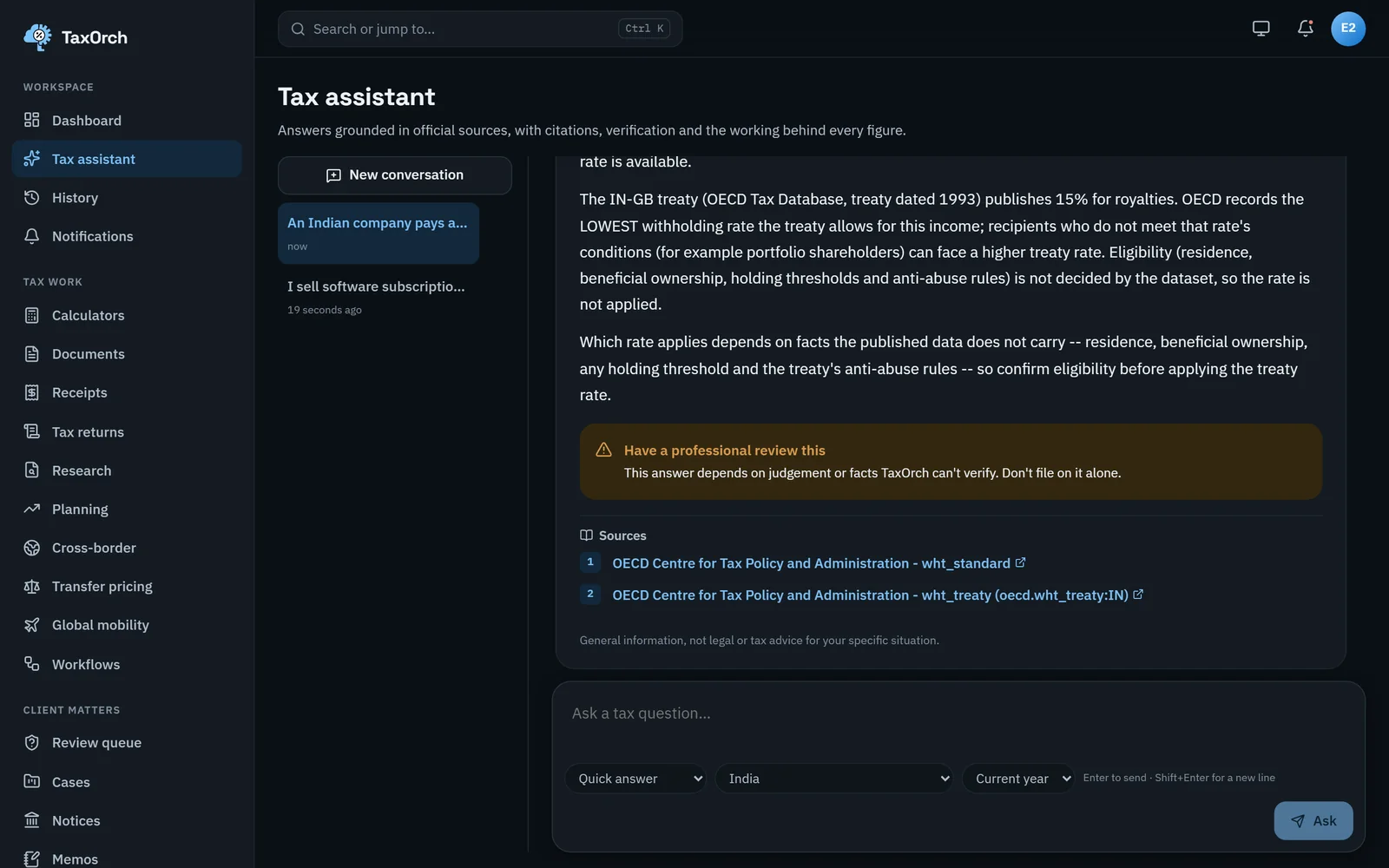
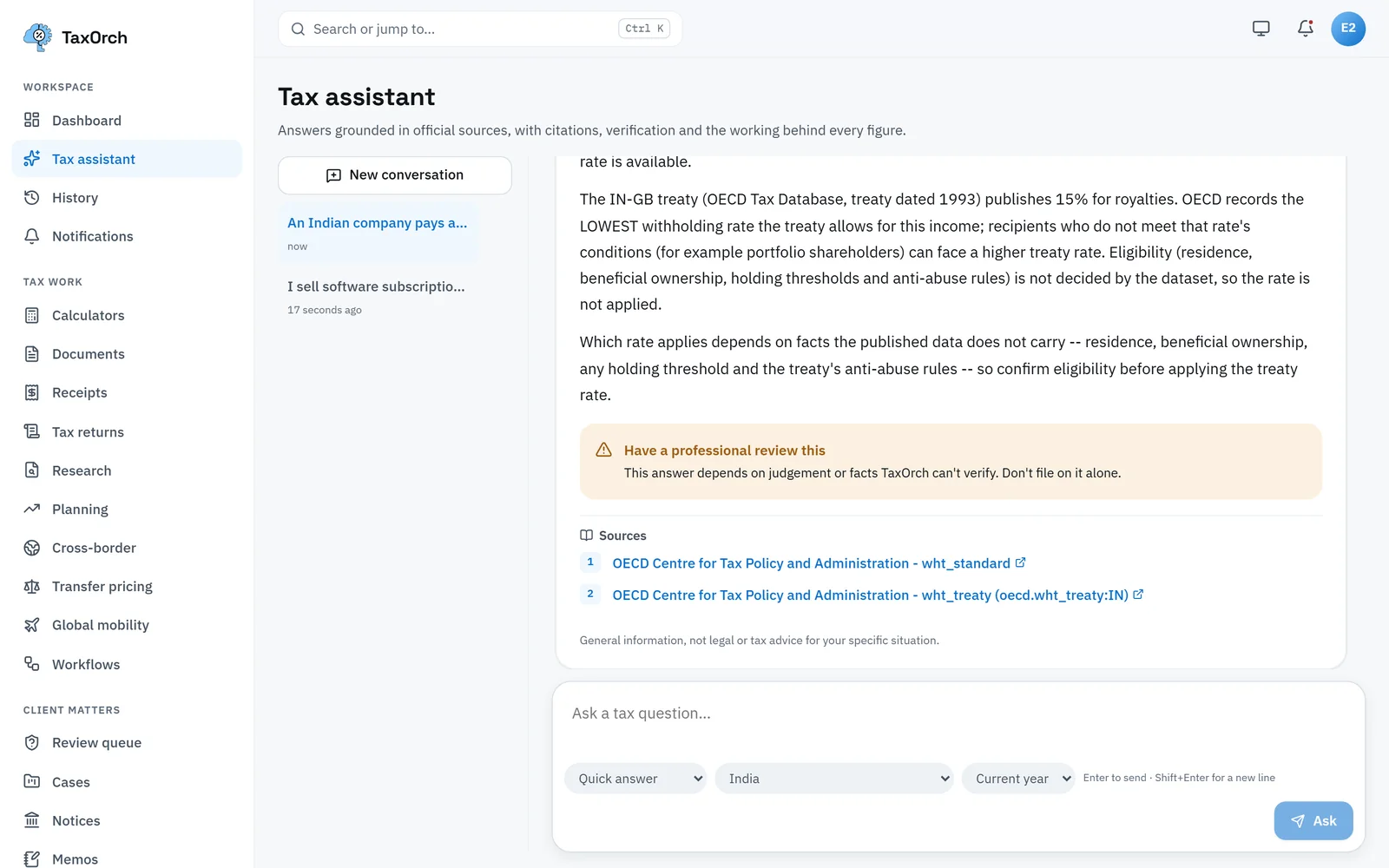
India to UK royalties: the treaty rate, the conditions that decide whether it applies, and the review notice.
What a refusal looks like, and why
Ask for the corporate income tax rate in Somalia for 2026. TaxOrch answers: TaxOrch won't answer this yet. No figure is shown rather than a guess. The panel explains why (no verified official guidance is held for that question), what is missing, and what you can do next: research the rules with citations without a computed figure, or open a case so a qualified professional prepares and reviews the answer. The gap is logged so the source can be added.
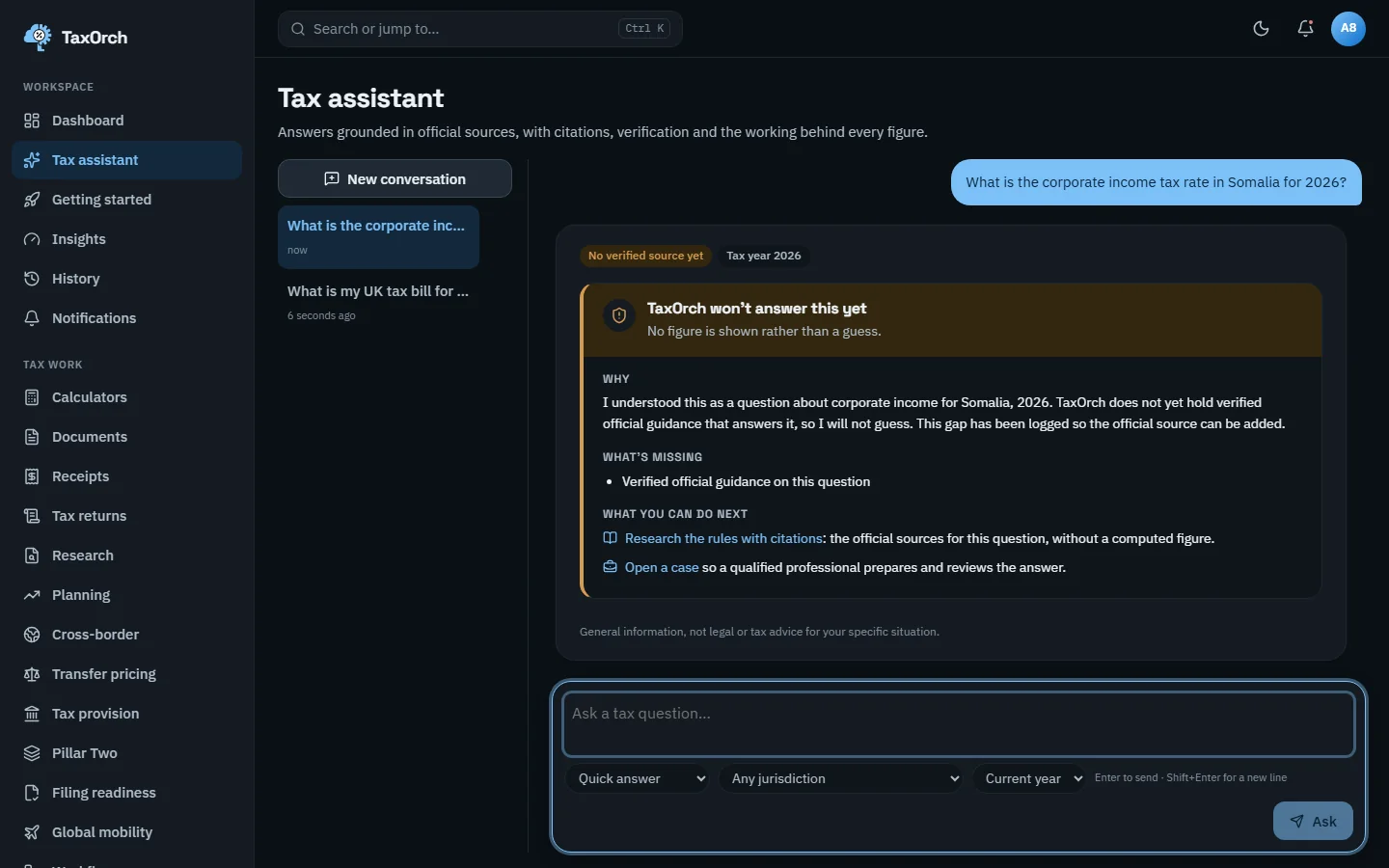
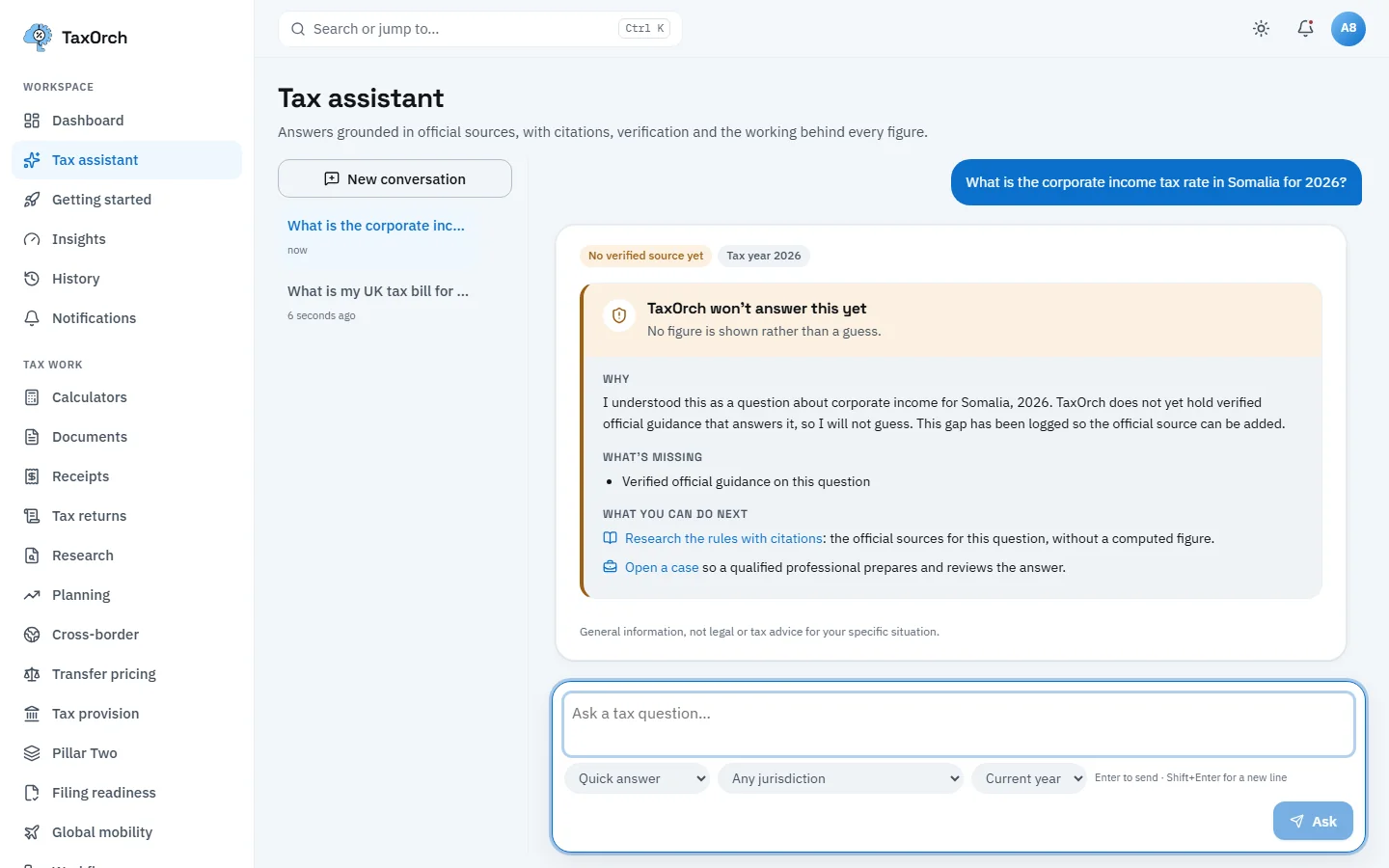
A refusal: no verified source for Somalia 2026, so no figure, with the reason and what to do next.
A refusal for an unverified tax year
The same happens when the rules for a year have not yet been verified. Ask for your UK tax bill for 2026-27 and TaxOrch says it won't calculate this for 2026-27 yet: the UK income tax rules for that year have not been verified against the official source, so it gives no figure rather than estimating from unchecked rates. Under What's missing it lists the verified rates and thresholds and your gross income.
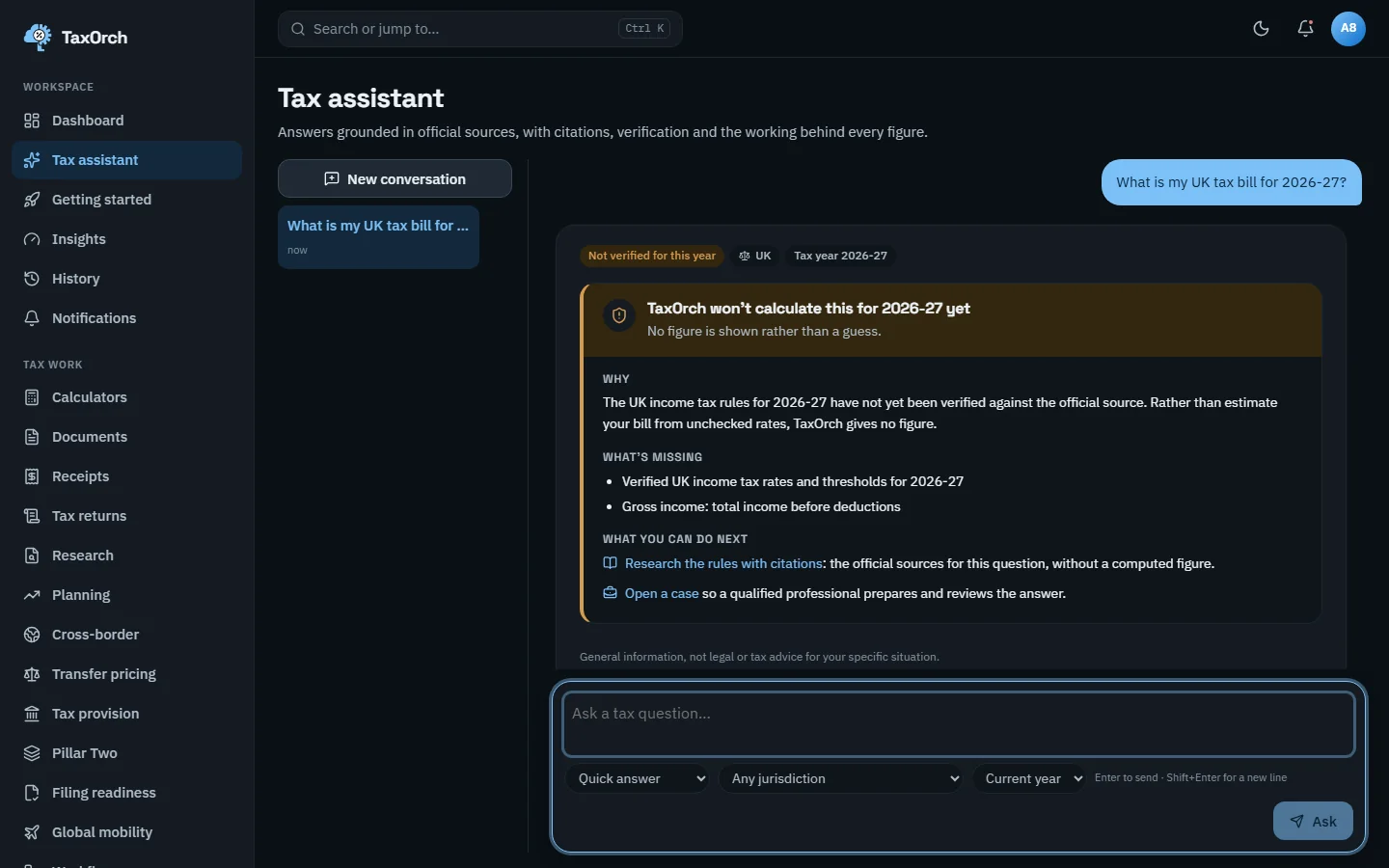
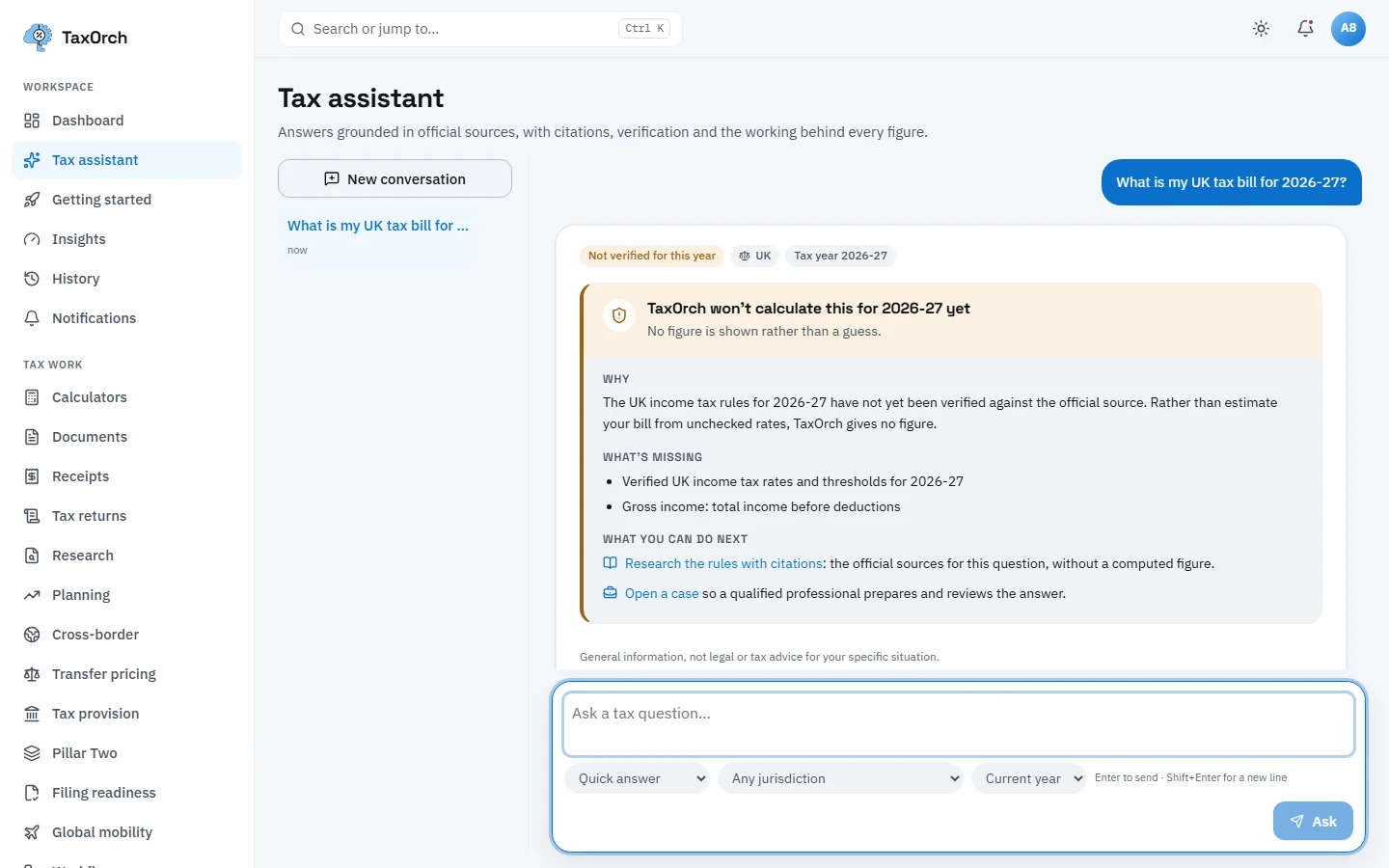
Not verified for this year: UK 2026-27 income tax is refused until the rules are verified.
Read an answer in another language (In development)
With a preferred language set, an answer whose translation has been checked is shown translated. The German VAT answer appears in German with the line Machine translation by TaxOrch; figures checked against the English original, and a link to show the original. App menus stay in English. Multilingual support is in development: only answers with a checked translation are shown translated.
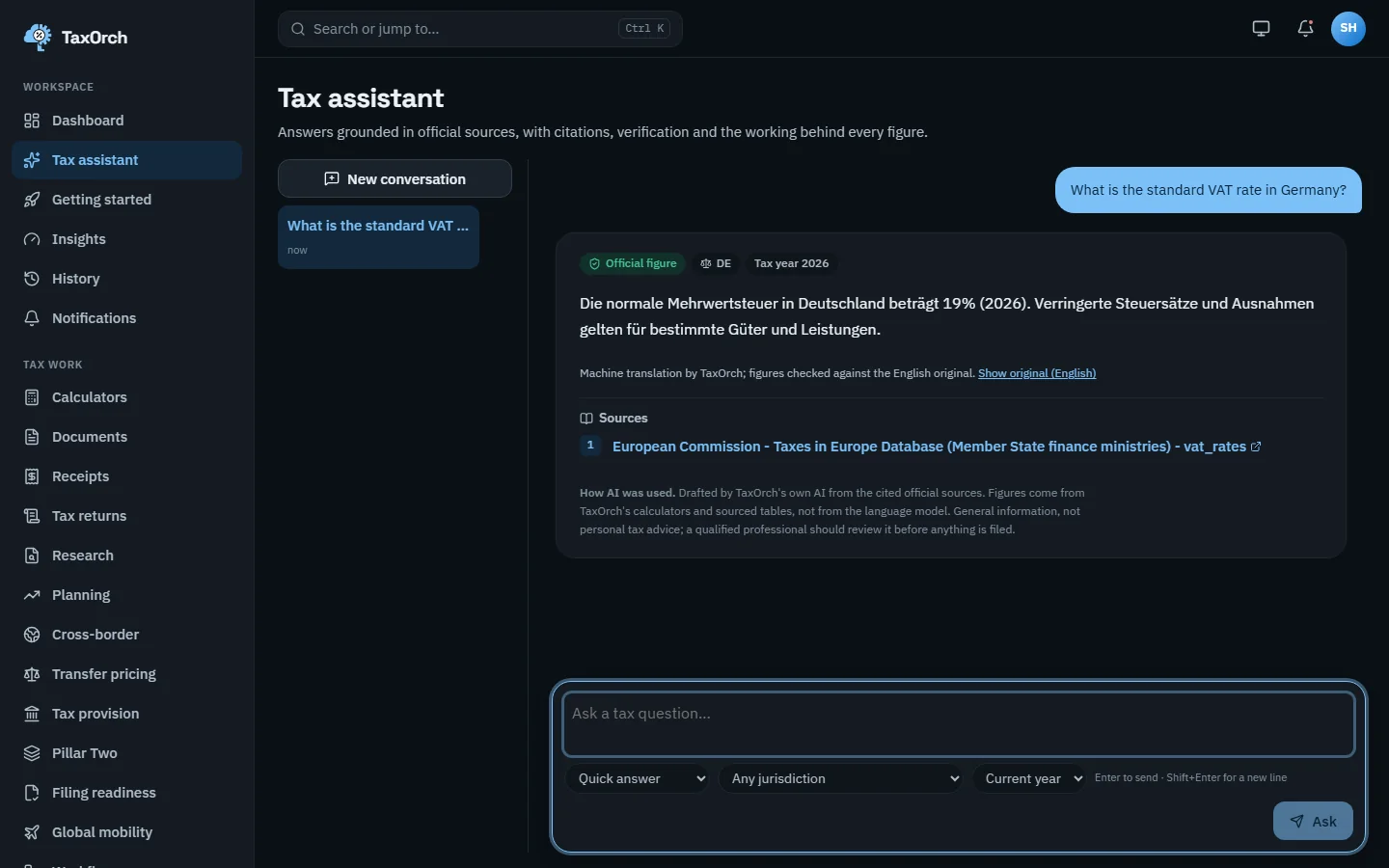
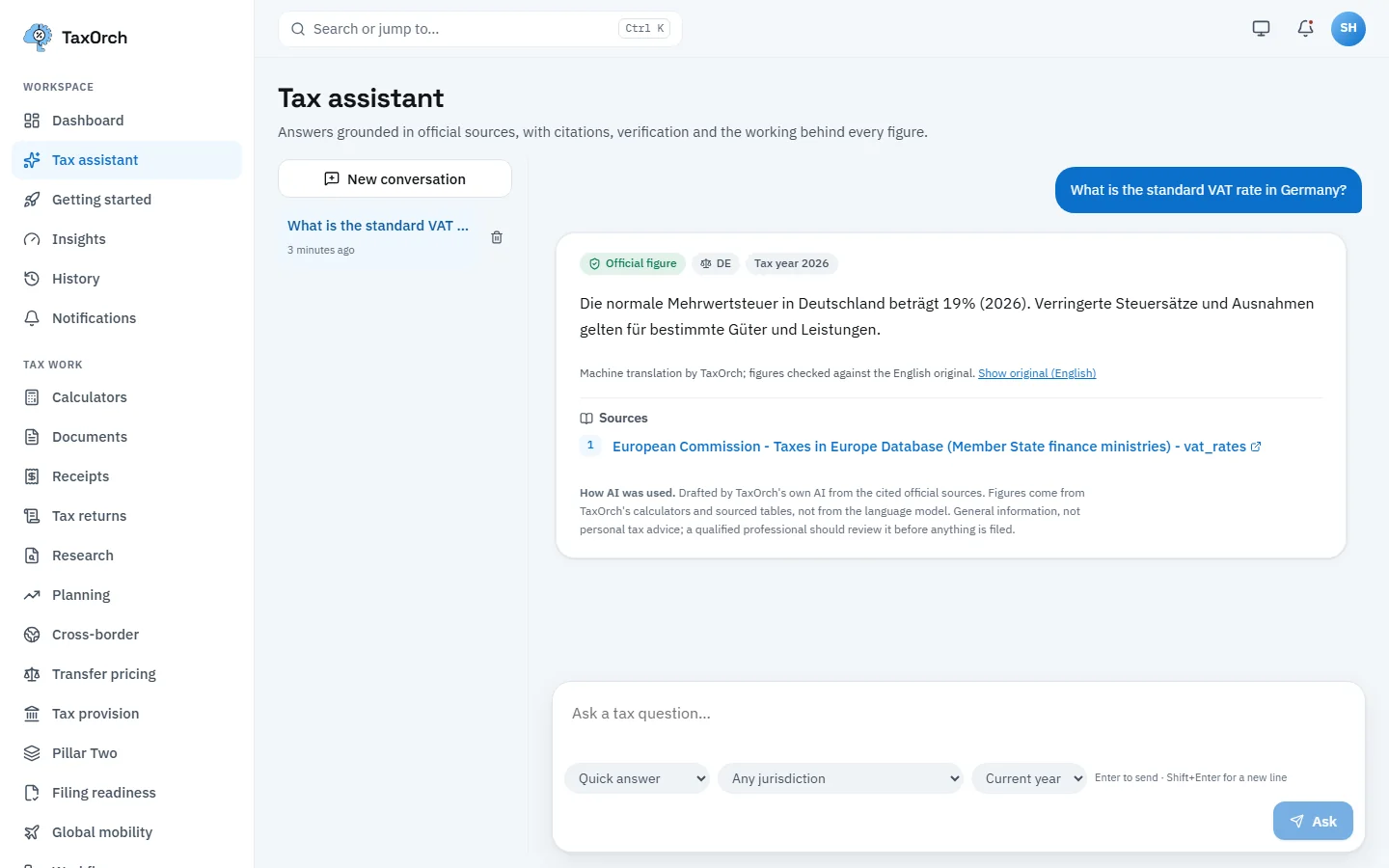
The same answer in German, marked as a checked machine translation, with the English original one click away.
Find earlier conversations and use Research for longer questions
Every conversation is kept in the column on the left and on the History page, newest first, with a bin icon to delete one. For a question that needs legislation, guidance and case law rather than a single figure, use Research: it takes a question, a jurisdiction and an area, and keeps its own history of what was asked and when.
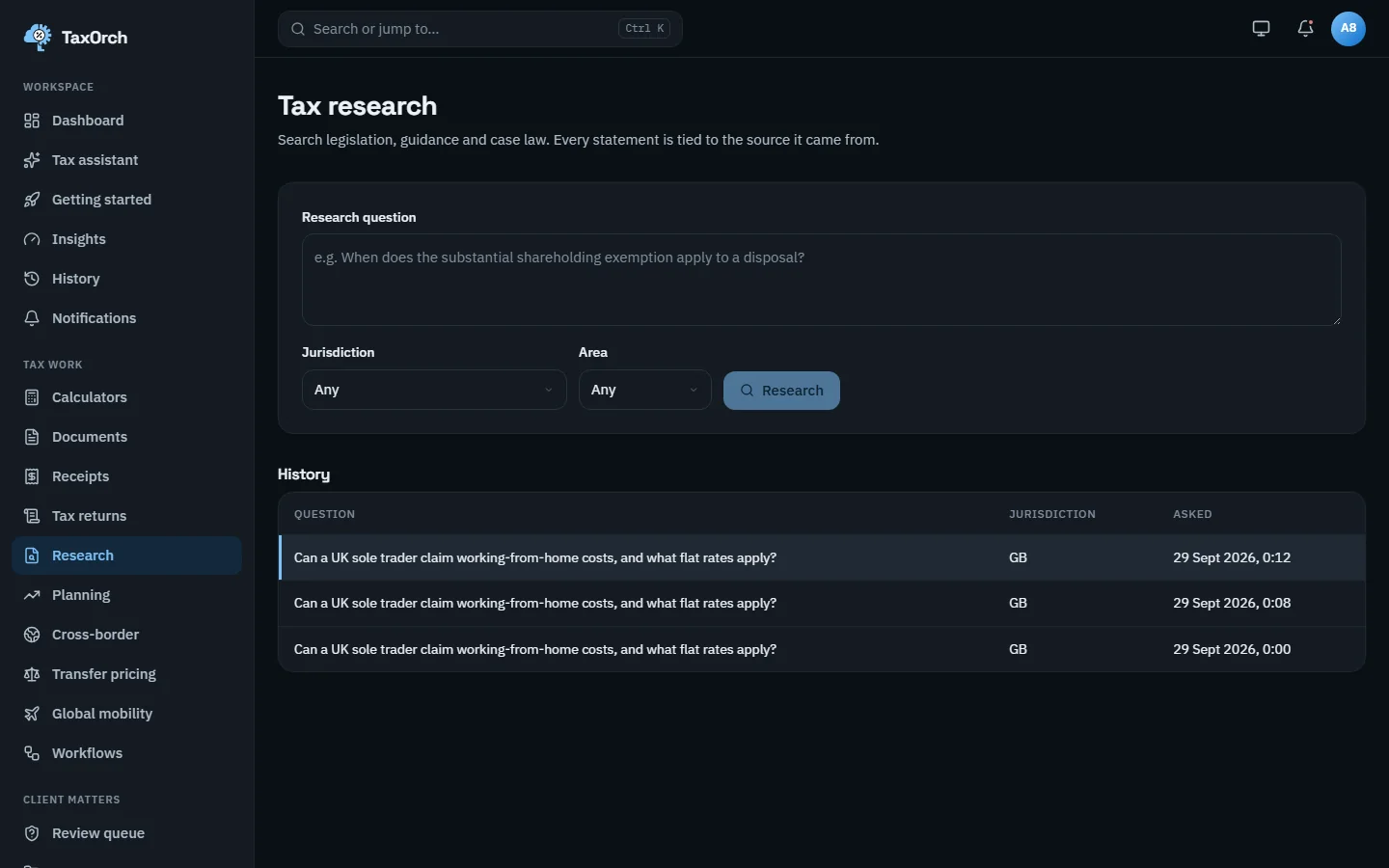
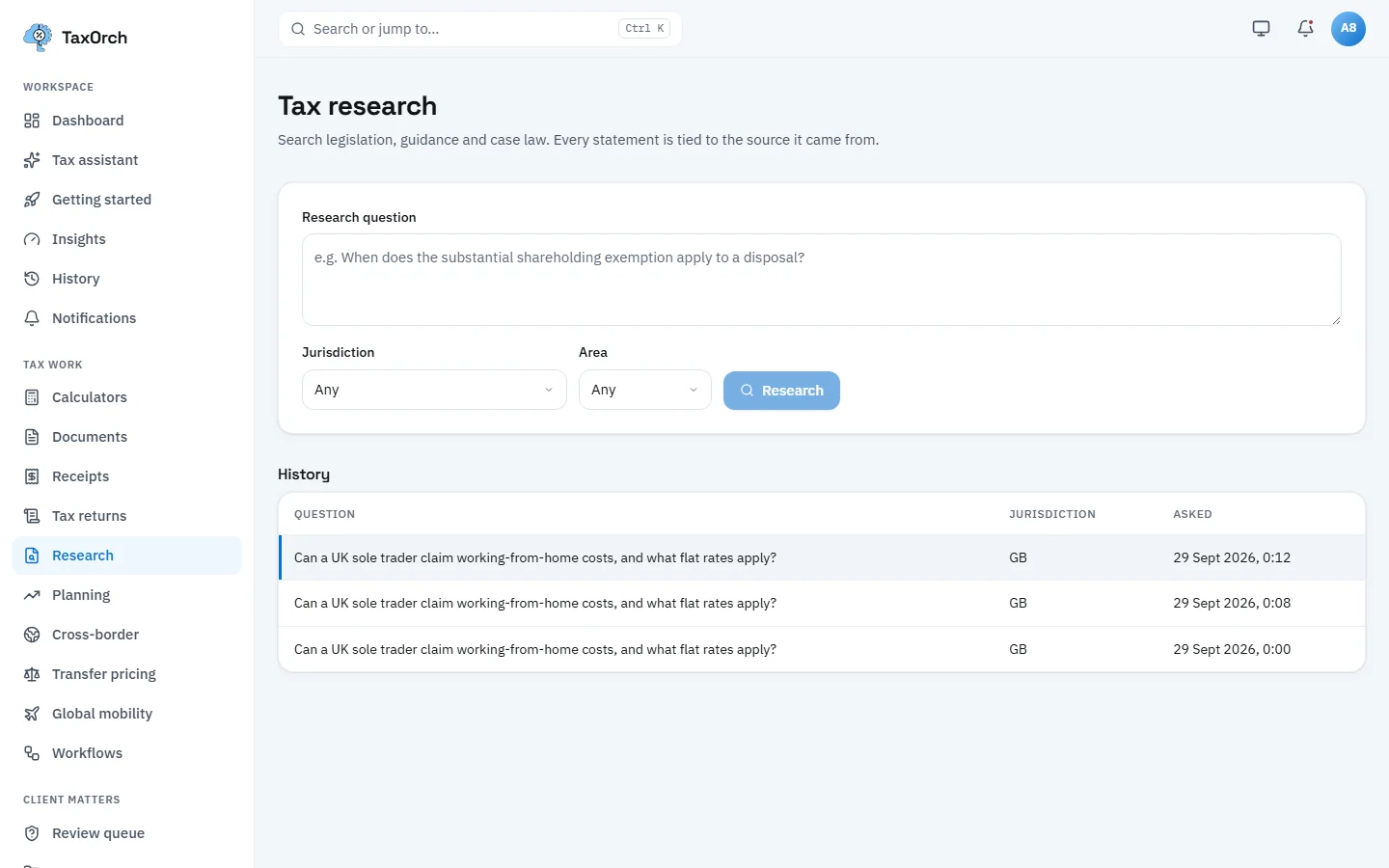
Research: a question, a jurisdiction and an area, with the history of earlier questions below.
Tips
- Set the jurisdiction before asking; Any jurisdiction is right for a comparison, a country is right for a rate.
- Click the source link and keep the page open: the cited section is what a reviewer will want to see.
- Use the thumbs under a mobile answer, or the Refuse and Release answer actions in the review queue, to feed back on an answer.