
Tax review and sign-off software
Tax review and sign-off software makes sure a qualified person checks work before it reaches a client. In TaxOrch a maker-checker review confirms every figure and citation in a draft traces to a source, sign-off must come from a reviewer who did not prepare the work, and any later change cancels the sign-off automatically.
How TaxOrch does it
Automatic checks
Figures and citations in drafts are compared with the engagement's sources before review.
Separation of duties
The person who prepared the deliverables cannot sign them off.
Sign-off stays true
If research, facts or calculations are re-run after sign-off, the sign-off is cancelled and review starts again.
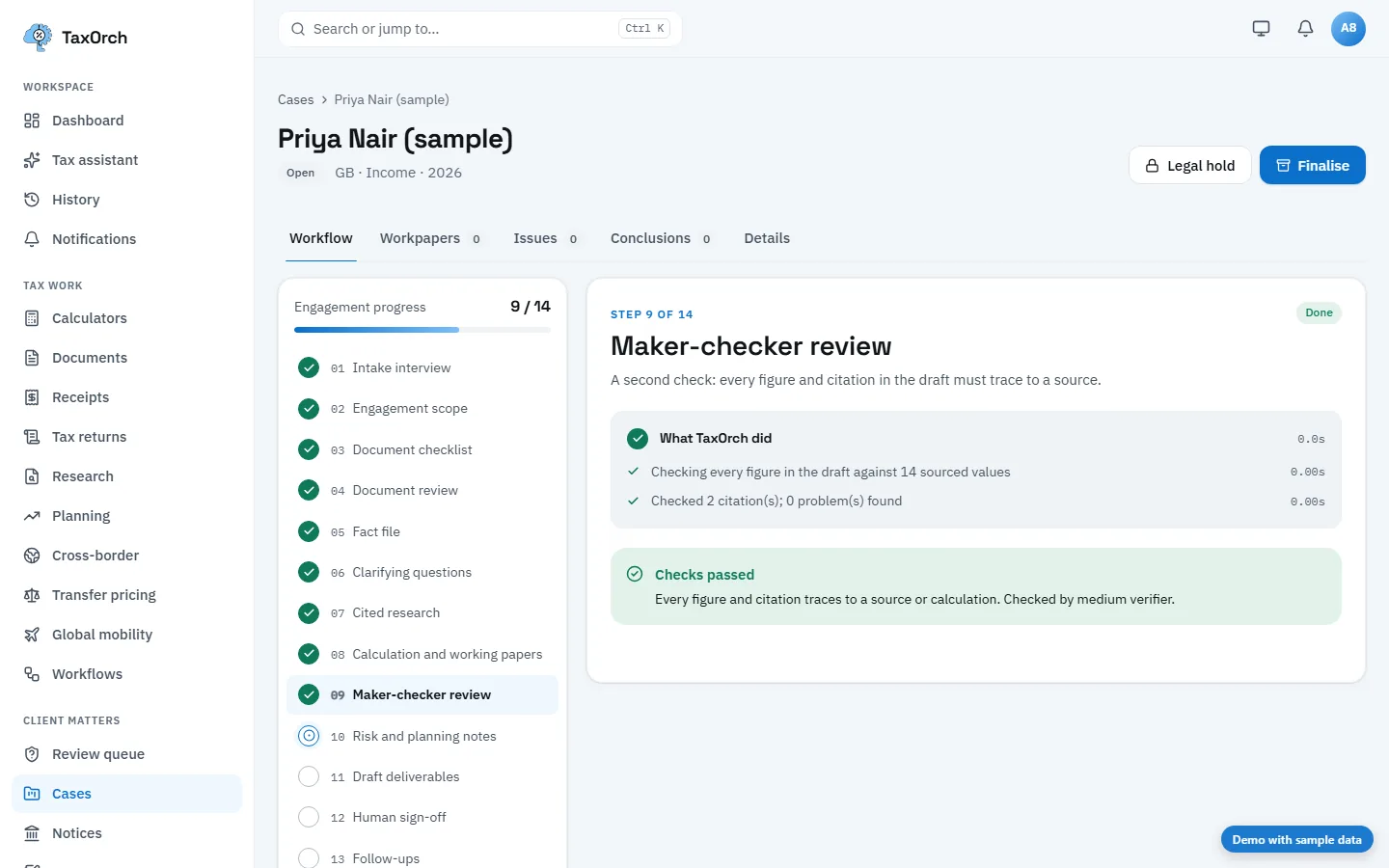
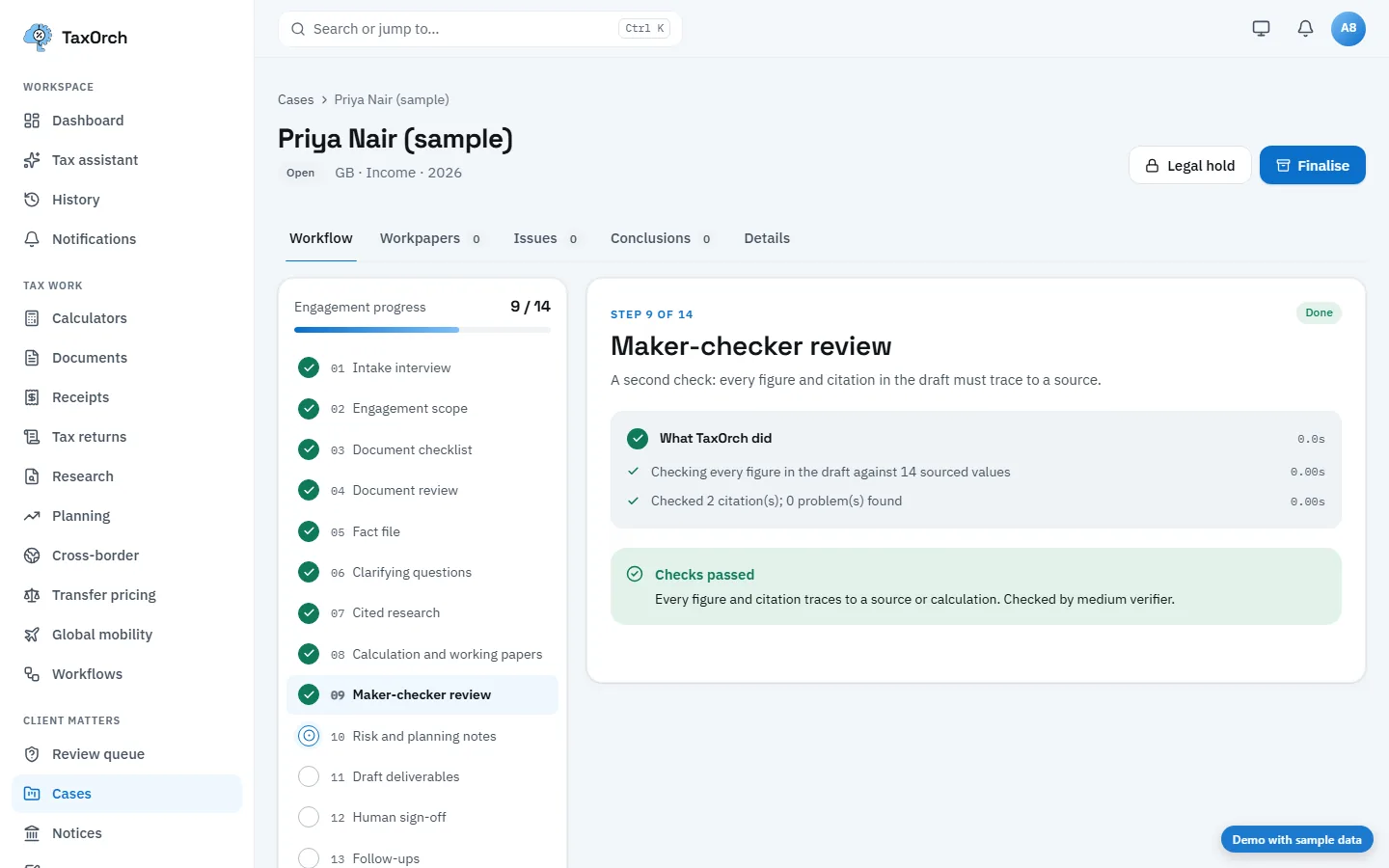
Who did what, and when
The review trail on one engagement.
- Preparer
- Prepares the workpapers; cannot approve them.
- Reviewer
- Raises review notes; each stays open until resolved.
- Approver
- Signs off only when no note is open.
- Record
- Every decision is kept with the person, the time and the version approved.
What it does not do
- Nobody can sign off their own preparation.
- Sign-off is never automatic.
Questions buyers ask
What triggers a required sign-off?
High risk, review findings, low-confidence documents or calculations that could not be certified.
Is sign-off recorded?
Yes: who signed, when, and a fingerprint of exactly what they approved.
Bring one engagement and check the file.
Not a demo of a happy path — a real matter, worked through to a pack, so you can look at what a reviewer would actually see and decide whether it holds.
Decision support, not tax advice. A professional reviews before anything is filed.