
Automated tax workpapers
Automated tax workpapers are prepared by the software from the engagement itself instead of by hand. In TaxOrch every engagement moves through intake, documents, a fact file, cited research, calculation, review and sign-off, and each step leaves a workpaper that links every fact to its evidence and every figure to its source.
How TaxOrch does it
Fact file
Each fact is linked to the document it came from, with year-on-year changes highlighted for attention.
Cited research
Research for the engagement names the official source and tax year behind every statement.
Draft deliverables
Position memos, client letters and filing checklists are drafted from the checked facts and research.
Checked before it leaves
A maker-checker review confirms every figure and citation in a draft traces back to a source.
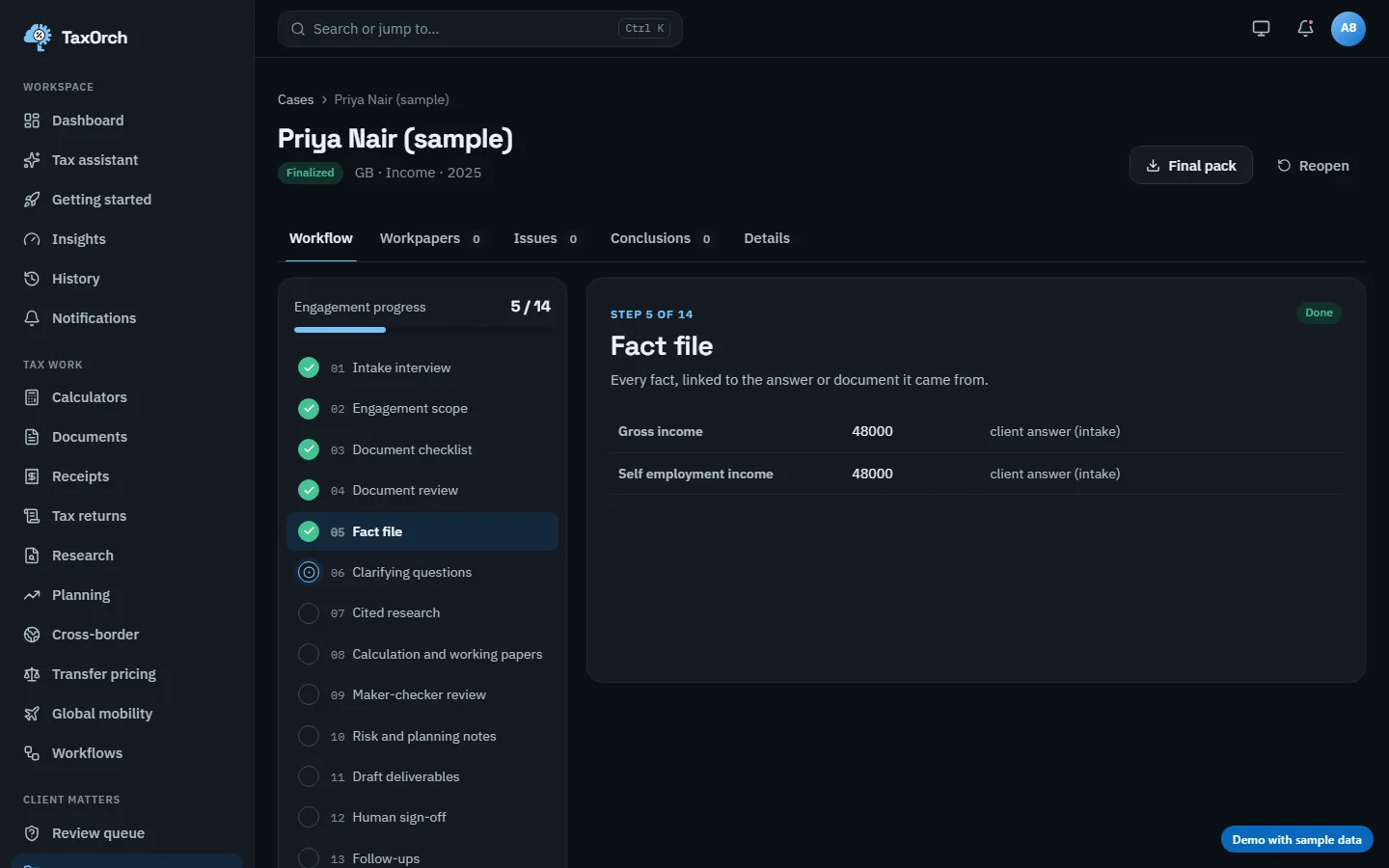
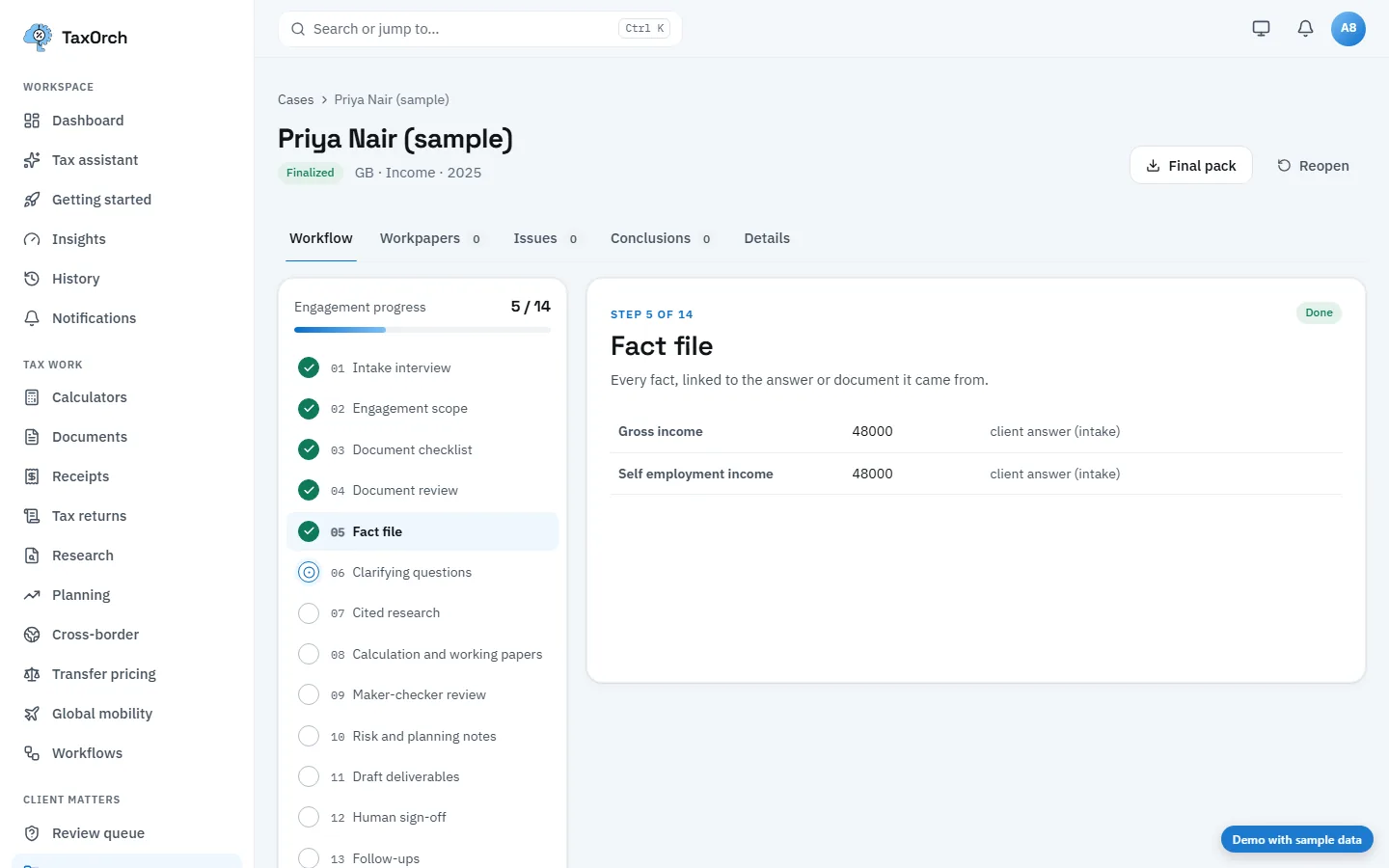
From source to workpaper
How one figure reaches a reviewed workpaper.
- Source
- The official publication or client document the figure comes from.
- Working
- The calculation, its inputs and the tax year, shown in full.
- Workpaper
- Filed in the standard folder for that engagement, with its source attached.
- Review
- The reviewer's notes, open or resolved, stay with the workpaper.
- Pack
- The approved set exports as one client pack with the audit trail.
What it does not do
- Workpapers are drafts until a person approves them.
- Figures without a source are not filed.
Checklists and guides
Questions buyers ask
Can reviewers see how a figure was reached?
Yes. Each workpaper links facts to documents and figures to the sources and calculations behind them.
What happens if something changes after review?
Re-running a step the reviewer approved cancels the sign-off and sends the engagement back for review.
Can the workpapers be exported?
The full engagement record, including the audit trail, can be exported for your file.
Bring one engagement and check the file.
Not a demo of a happy path — a real matter, worked through to a pack, so you can look at what a reviewer would actually see and decide whether it holds.
Decision support, not tax advice. A professional reviews before anything is filed.