
AI tax document intake
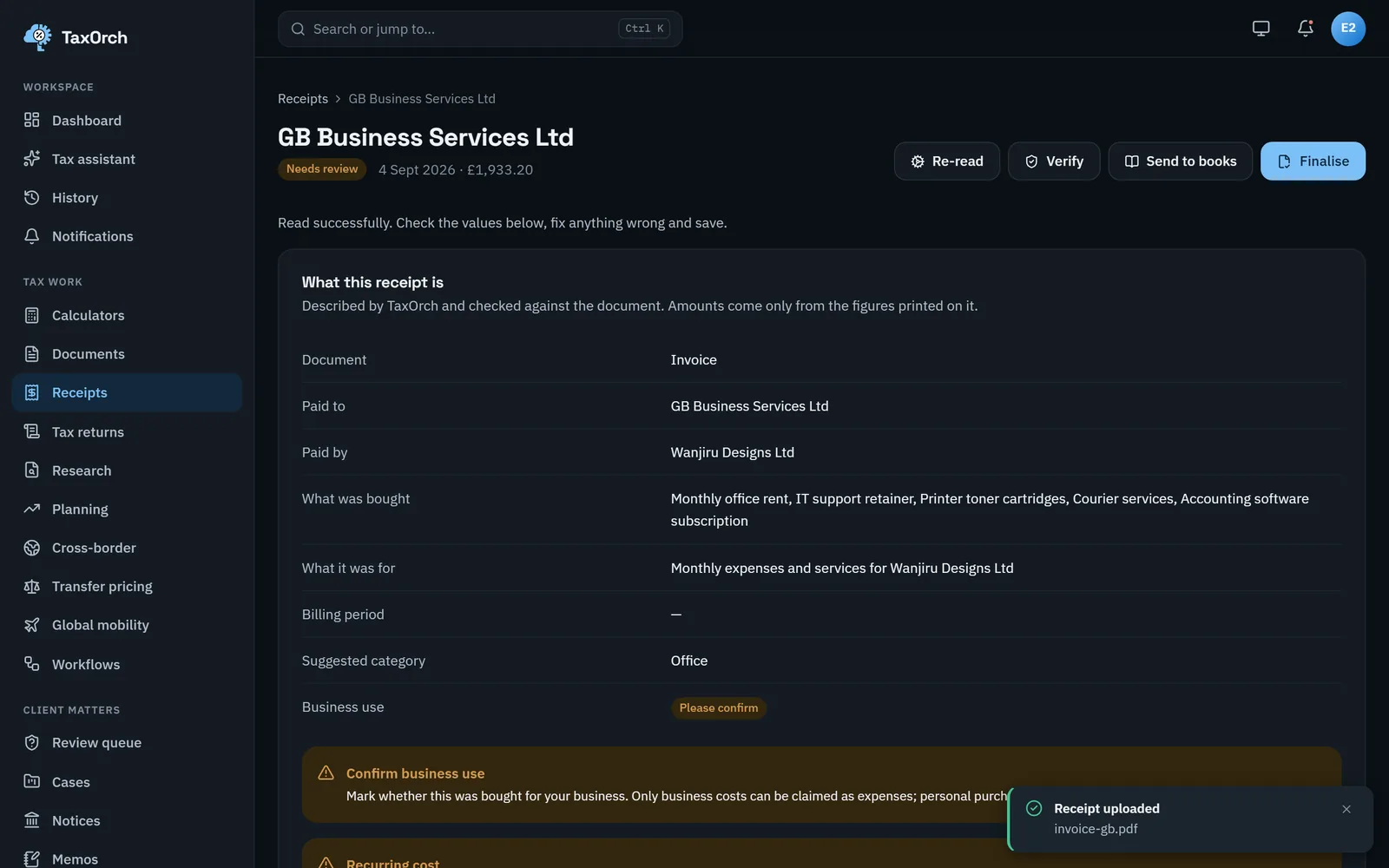
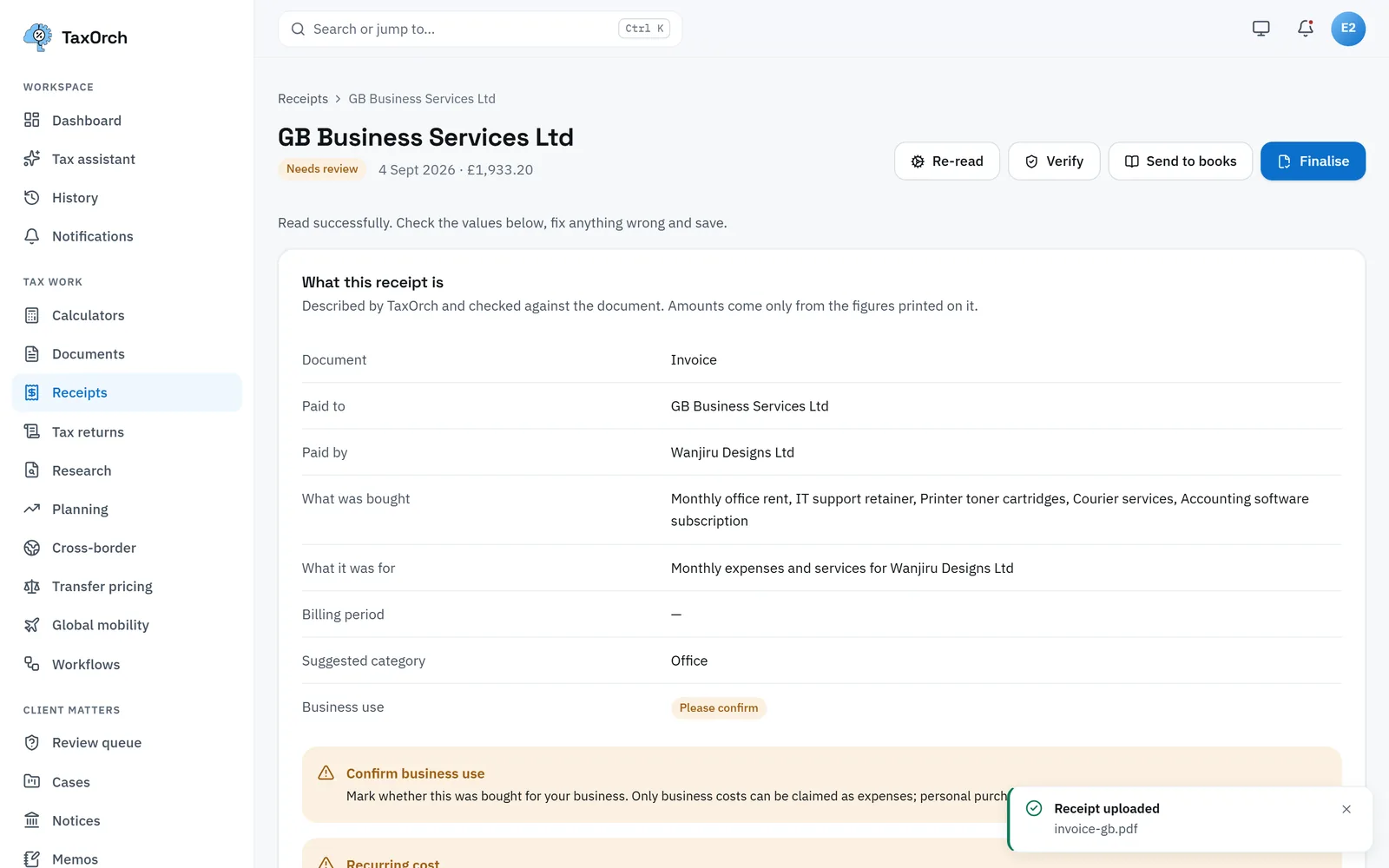
AI tax document intake means the software reads what a client sends — payslips, W-2s, 1099s, K-1s, P60s, T4s, receipts and invoices — and turns it into checked figures. TaxOrch records where every figure came from on the page, marks anything it is unsure of for review, and lists the documents still missing for the engagement.
How TaxOrch does it
Upload anything
PDFs, photos and scans go into one place per client. Each file is stored privately and linked to the engagement it belongs to.
Figures with their source
Each amount is read with the box or line it came from, so a reviewer can see exactly where a number was found.
Uncertain means reviewed
A figure the reading is not sure of is marked for a person to confirm. Nothing unclear flows silently into a calculation.
Know what is missing
The engagement checklist shows which expected documents have arrived and which are still outstanding.
What it does not do
- Amounts are taken only from the document; nothing is guessed.
- A document that cannot be read is flagged for a person.
Questions buyers ask
Which tax documents can TaxOrch read?
Common income statements such as W-2, 1099 variants, Schedule K-1 (Form 1065), P60, T4 slips and similar statements, plus receipts and invoices. Where a figure cannot be read with confidence it is flagged rather than guessed.
Does intake replace review?
No. Intake prepares figures with their source so review is faster. A person confirms anything flagged before it is used.
Where are client documents stored?
Privately, per workspace, and only reachable by signed-in members of that workspace.
Bring one engagement and check the file.
Not a demo of a happy path — a real matter, worked through to a pack, so you can look at what a reviewer would actually see and decide whether it holds.
Decision support, not tax advice. A professional reviews before anything is filed.