
AI tax software for accounting firms
AI tax software for accounting firms should speed up preparation without taking judgement away from professionals. TaxOrch runs each engagement through fourteen checked steps — from intake and consent to cited research, calculation, maker-checker review and sign-off — so staff do the reviewing, not the chasing, and every figure can be traced.
How TaxOrch does it
One workflow per engagement
Every client engagement follows the same steps, with progress visible to the whole team.
Evidence first
Documents, facts and research are linked, so review starts from evidence rather than from a blank page.
Separate reviewer
Sign-off needs a reviewer who did not prepare the work.
Client-ready outputs
Memos, letters and checklists are drafted for the reviewer to finish and send.
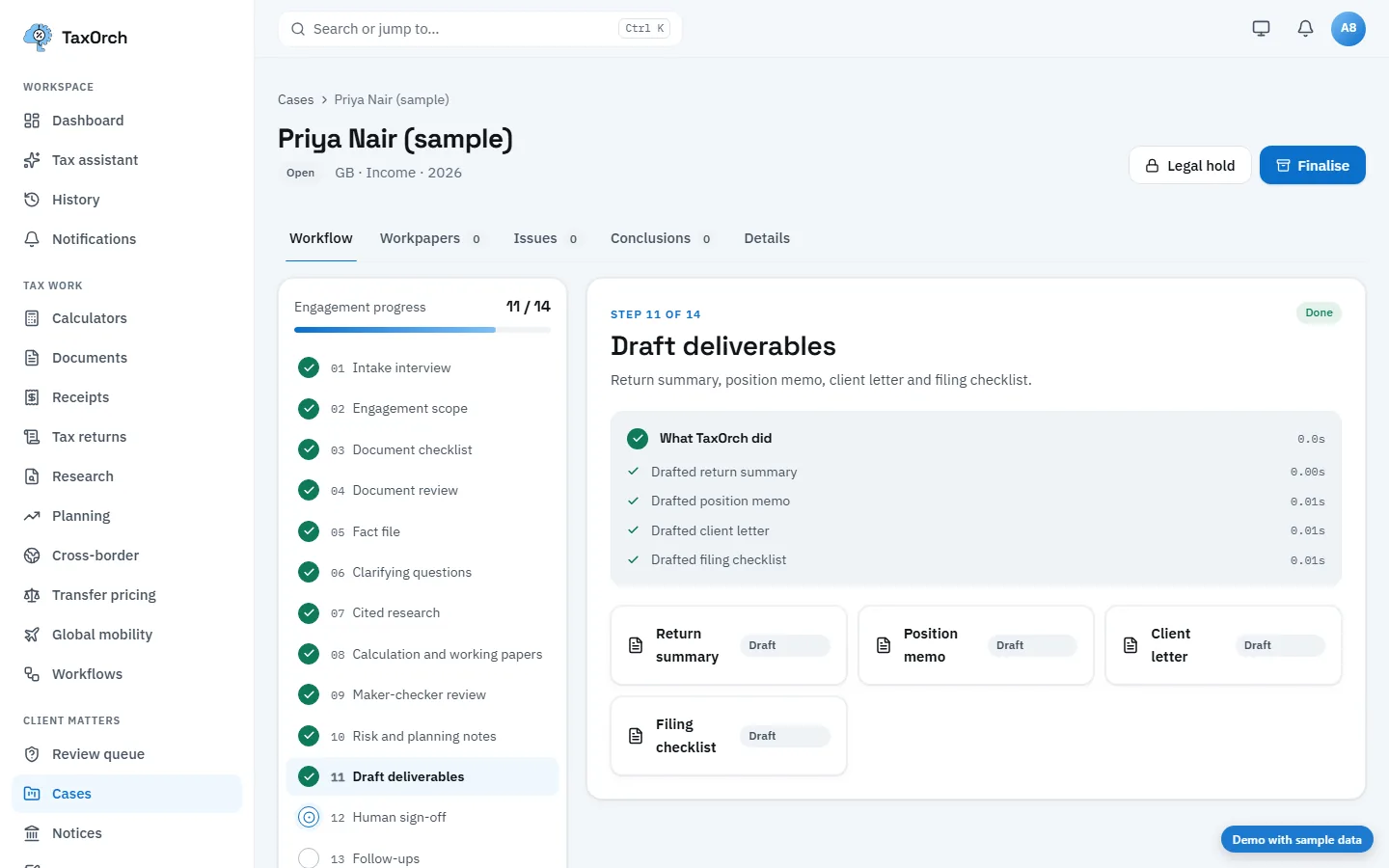
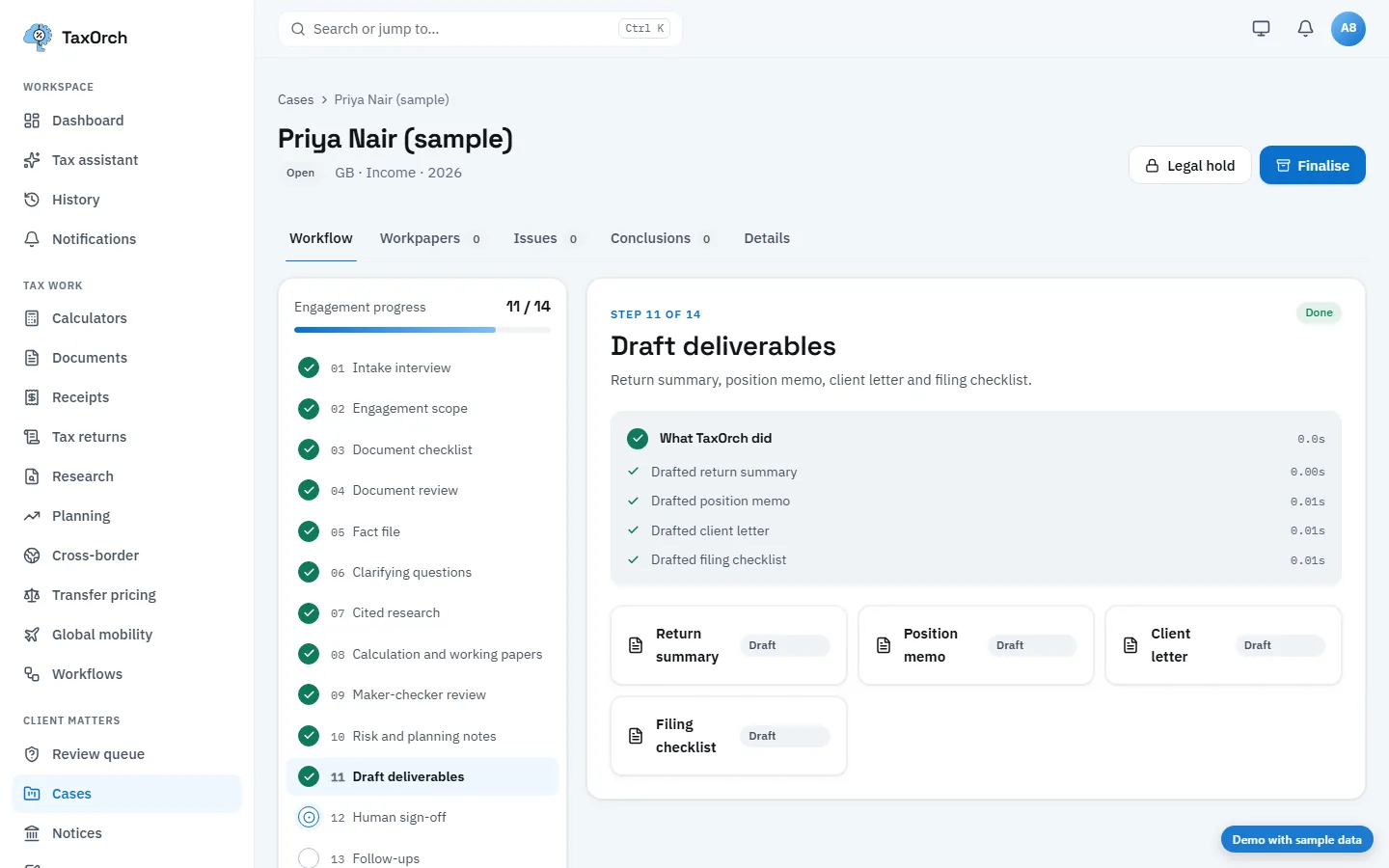
One engagement, intake to approved workpapers
How a firm runs a client engagement in TaxOrch.
- Intake
- Client documents arrive in the portal; fields are read and checked before use.
- Research
- Questions are answered from official sources, each statement cited.
- Workpapers
- Findings and figures are filed into standard workpaper folders with their sources.
- Review
- A second person reviews; open notes stay visible until resolved.
- Sign-off
- Approval is recorded with the person, the time and what was approved.
- Client pack
- The approved pack is exported with its audit trail.
What it does not do
- It does not file returns on the client's behalf.
- It does not let the preparer approve their own work.
- Unsupported countries or topics are flagged, not guessed.
Checklists and guides
Questions buyers ask
Does TaxOrch file returns automatically?
No. It prepares and checks work; filing and payments stay with the firm.
Can we control who does what?
Roles decide who prepares, who reviews and who administers the workspace.
How do we try it on our own work?
Book a demo and we will run it on an engagement like yours.
Bring one engagement and check the file.
Not a demo of a happy path — a real matter, worked through to a pack, so you can look at what a reviewer would actually see and decide whether it holds.
Decision support, not tax advice. A professional reviews before anything is filed.