
Tax figures on these screens are decision support, not tax advice; a professional reviews before anything is filed.
Open the calculators
Choose Calculators. Six tabs: Income tax, Payroll, Sales tax / VAT, US federal, Currency and Tax ID check. Income tax takes a country, gross annual income, filing status and tax year; results come from the certified rules for that country and year. Below, More calculations links to cross-border, depreciation, scenarios and the fact interview.
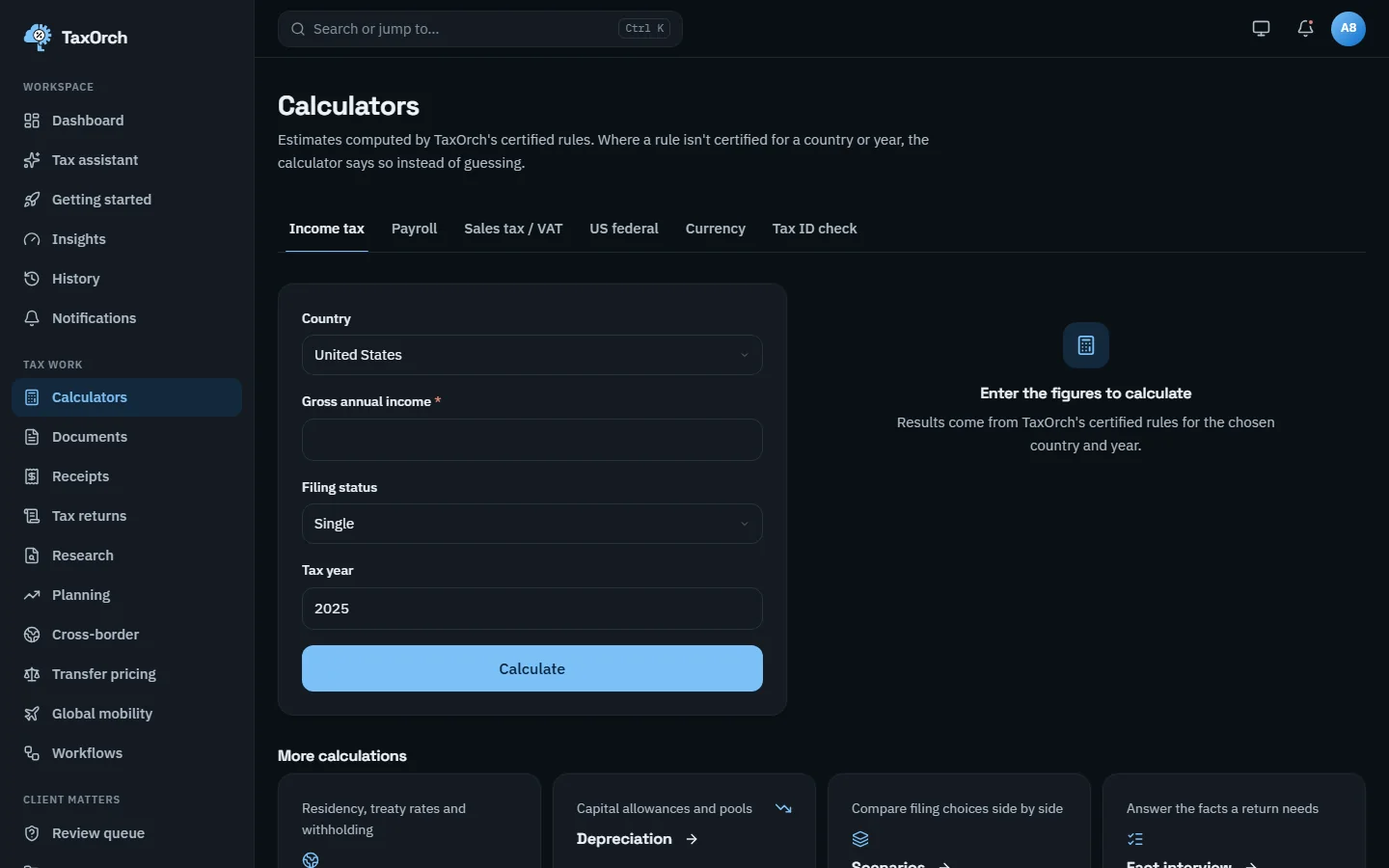
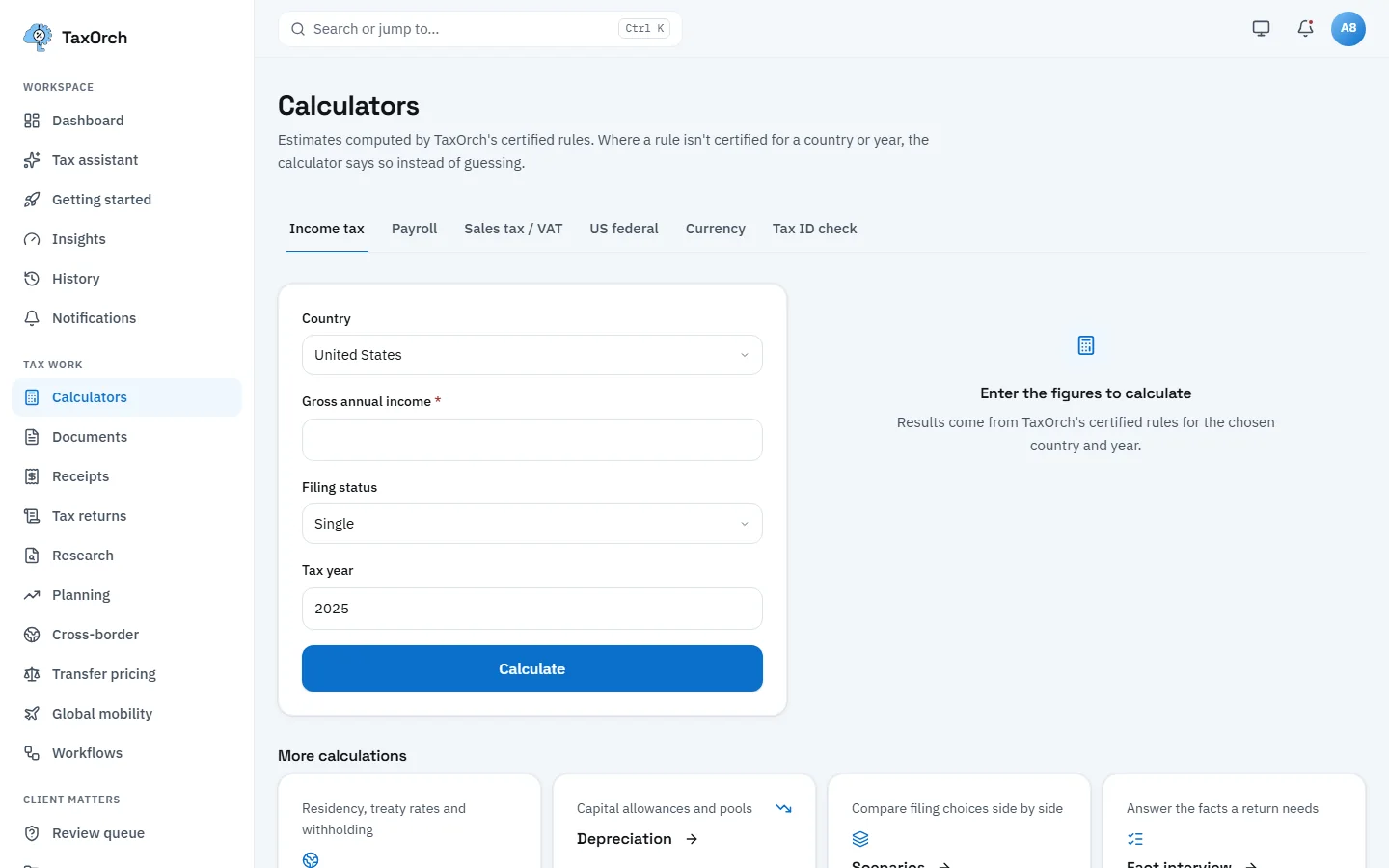
Calculators: six tabs, the income tax form, and links to the cross-border and scenario tools.
Check a cross-border payment
Choose Cross-border. Three tabs: Treaty rate, Withholding and Residency. Treaty rate takes where the income arises, where the recipient is resident, the kind of income (dividends, interest, royalties) and the year. The panel reminds you that treaty relief is not automatic: most countries require a residency certificate or form before a reduced rate applies at source.
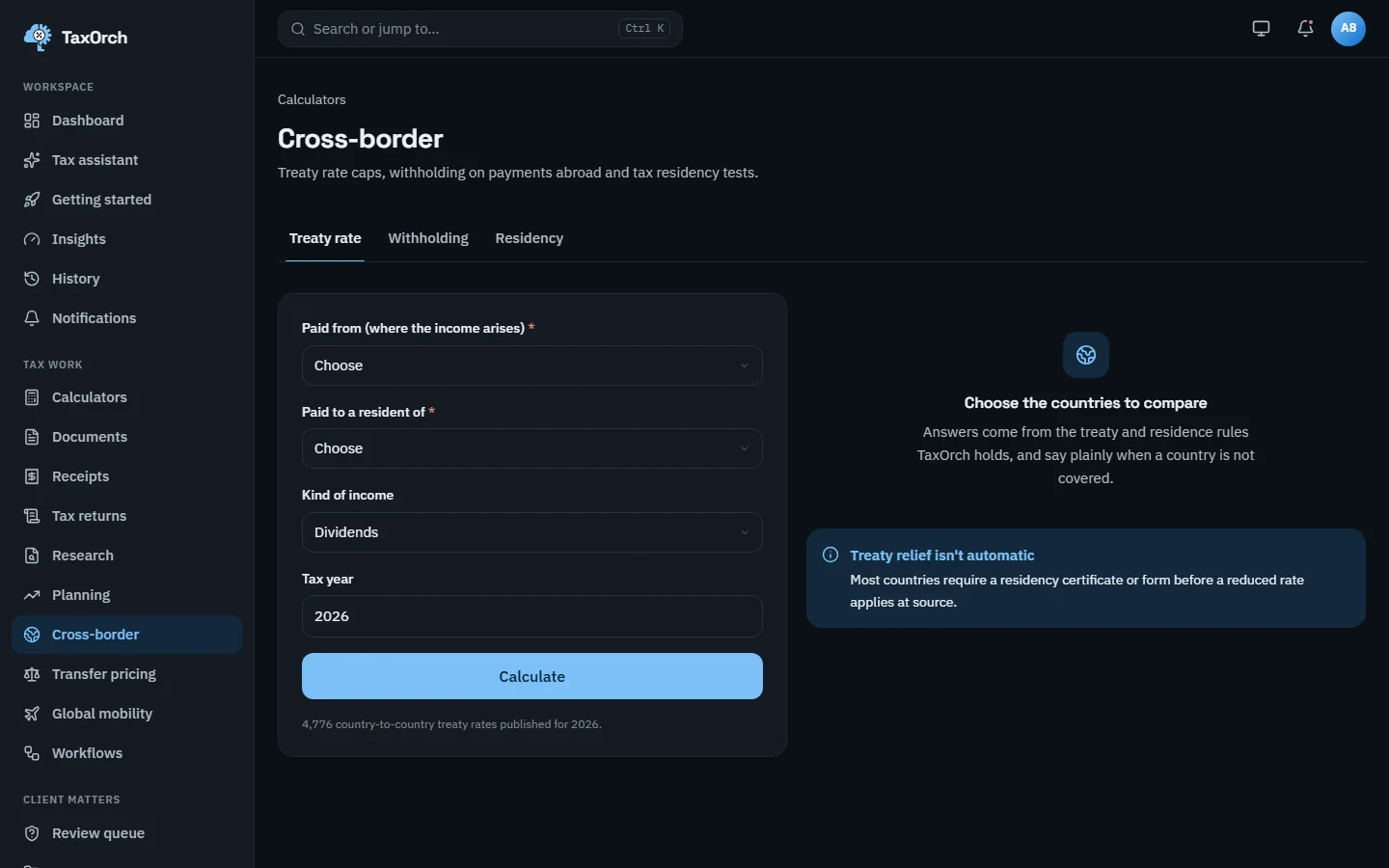
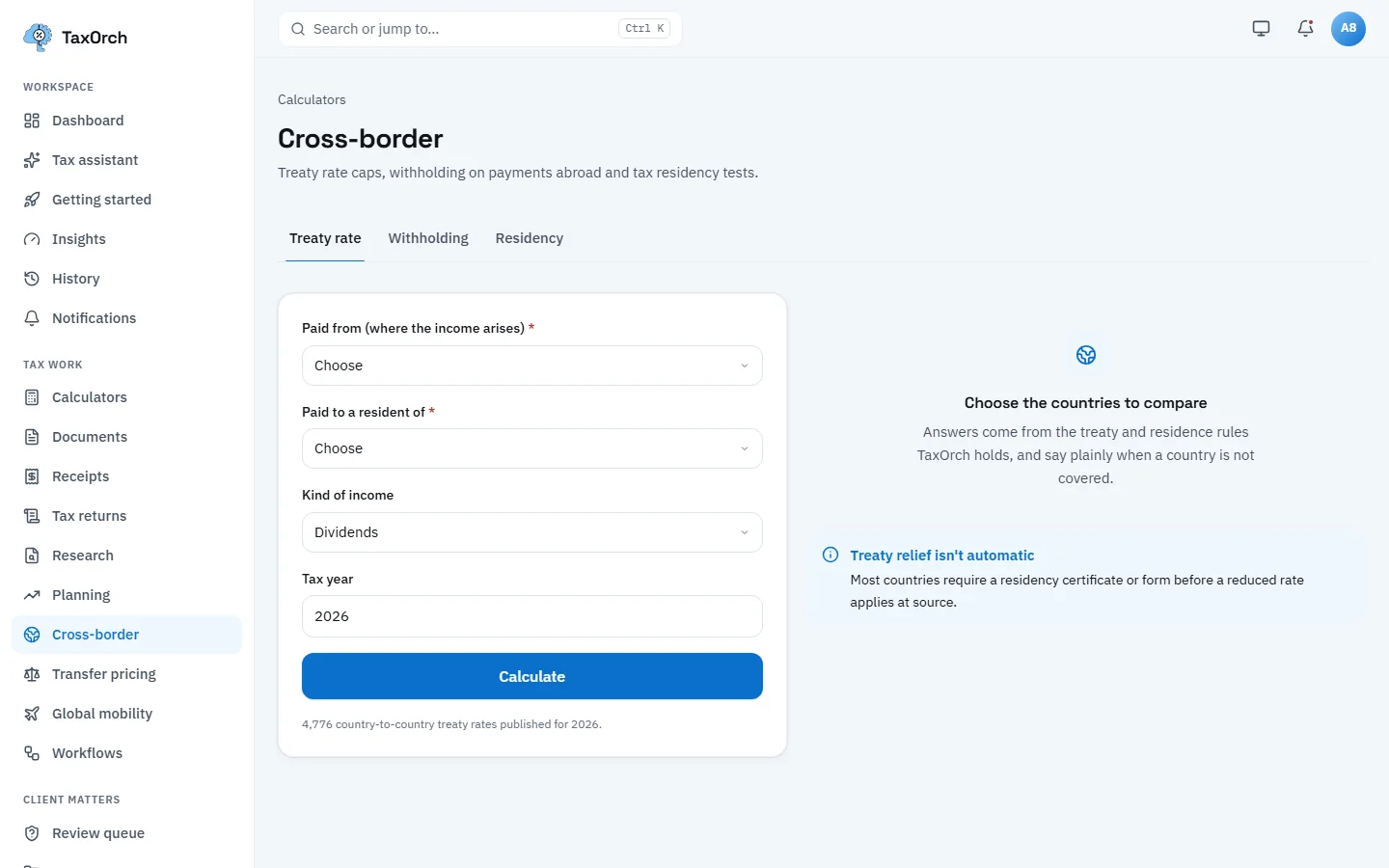
Treaty rate: the two countries, the kind of income, the year, and the reminder that relief is not automatic.
Read a treaty answer with its conditions
The assistant gives the same answer in prose. For royalties from India to the UK: India's domestic rate of 20% (2026), the 15% the treaty publishes as the lowest rate it allows, and the facts the dataset does not carry (residence, beneficial ownership, holding thresholds, anti-abuse rules), so the treaty rate is not applied. A professional review notice sits above the two OECD sources.
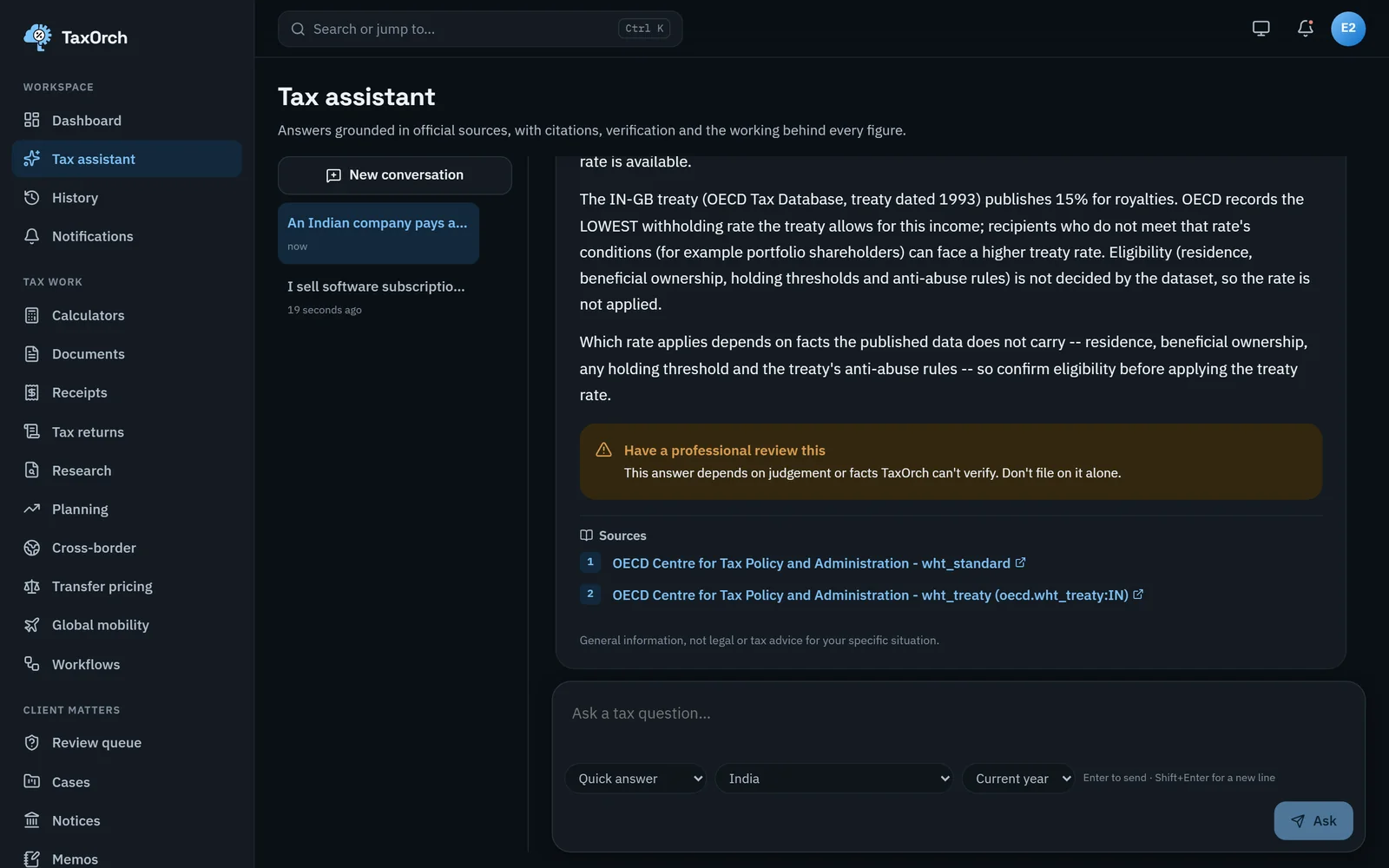
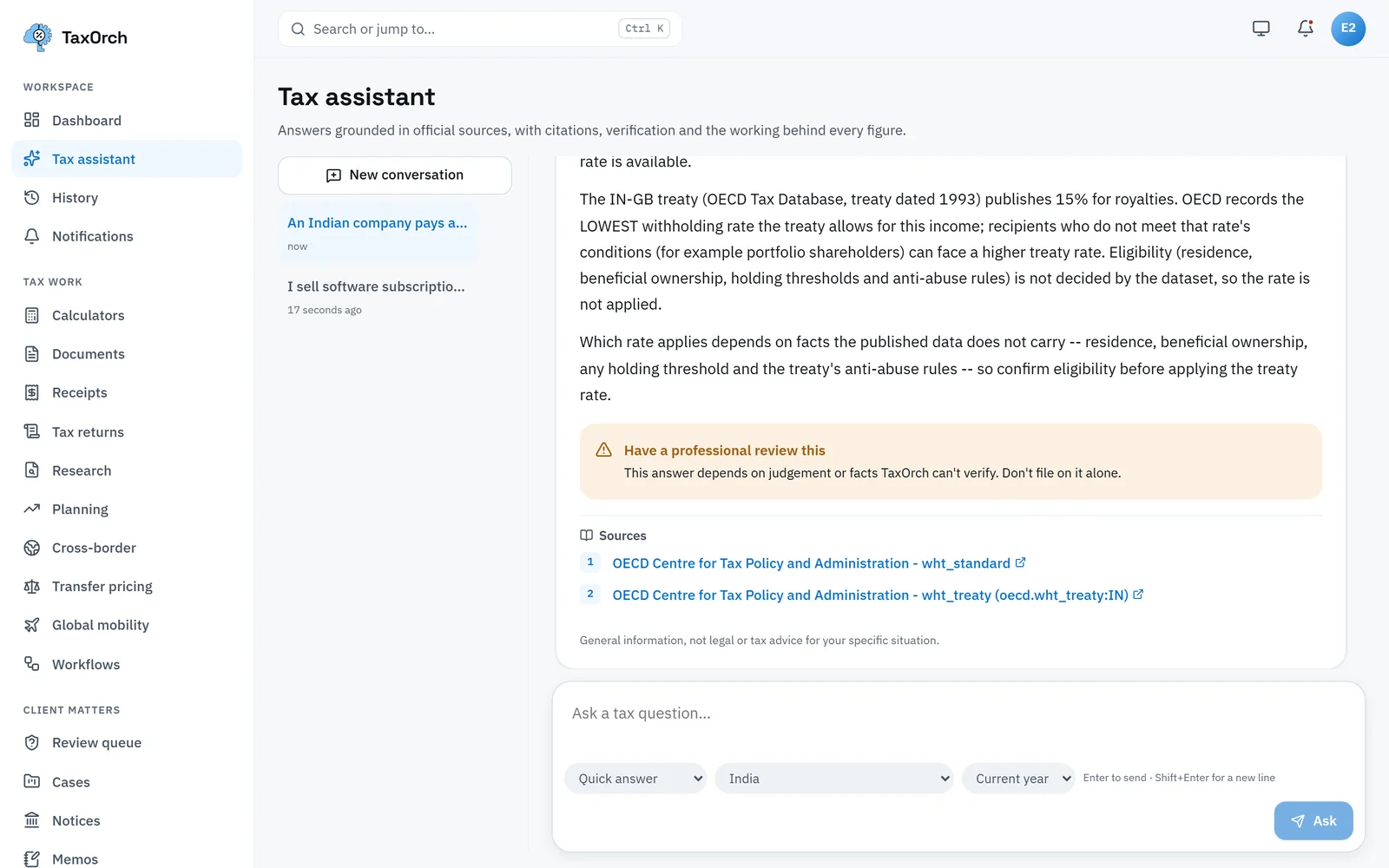
India to UK royalties: domestic rate, treaty ceiling, conditions and sources.
Look up a corporate tax rate
Ask the assistant with the country set. For the UK: main rate 25% on profits over £250,000, small profits rate 19% on profits of £50,000 or less, marginal relief in between, both limits divided by the number of associated companies plus one and reduced for short periods. Cited to HM Revenue & Customs, tax year 2026.
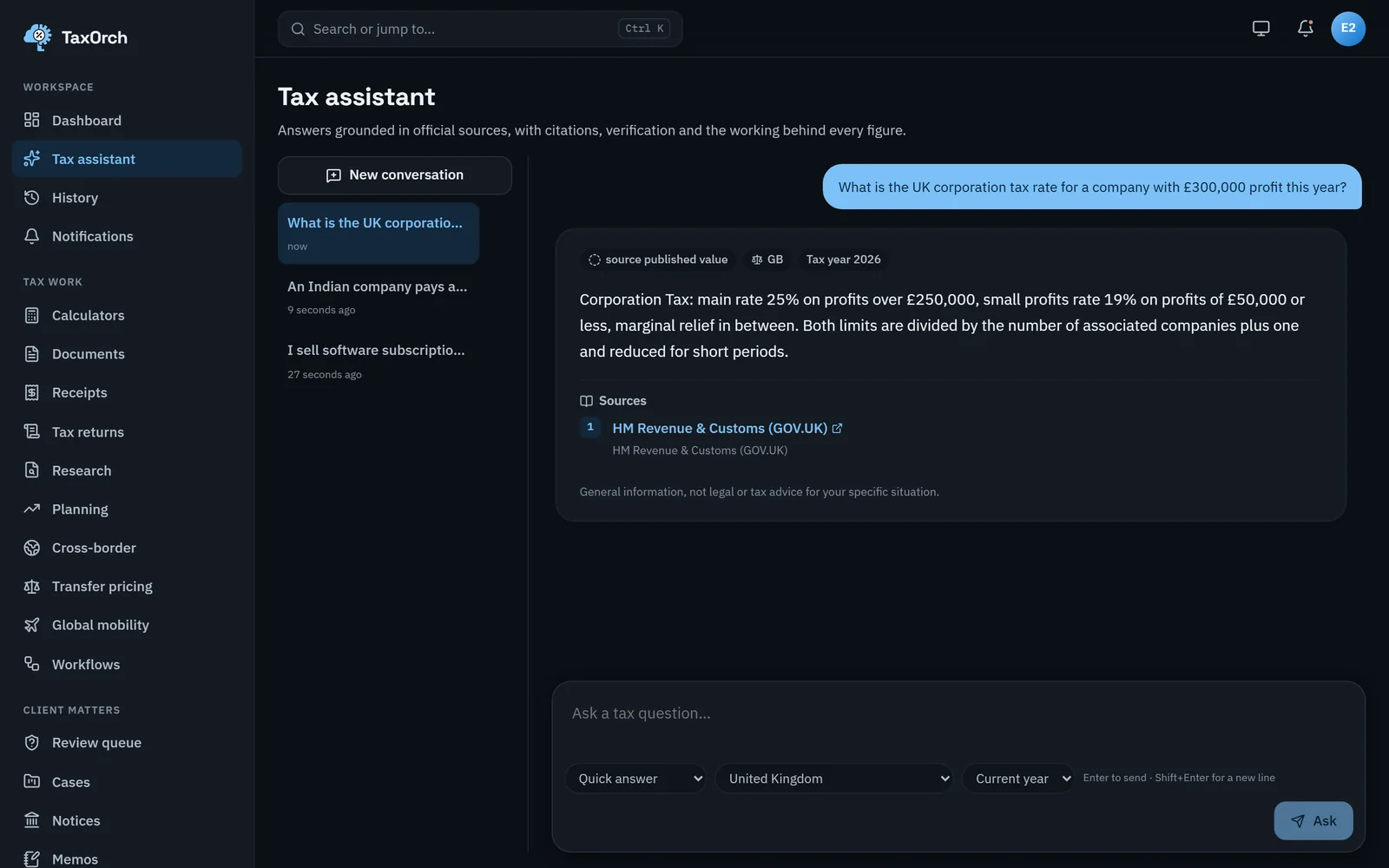
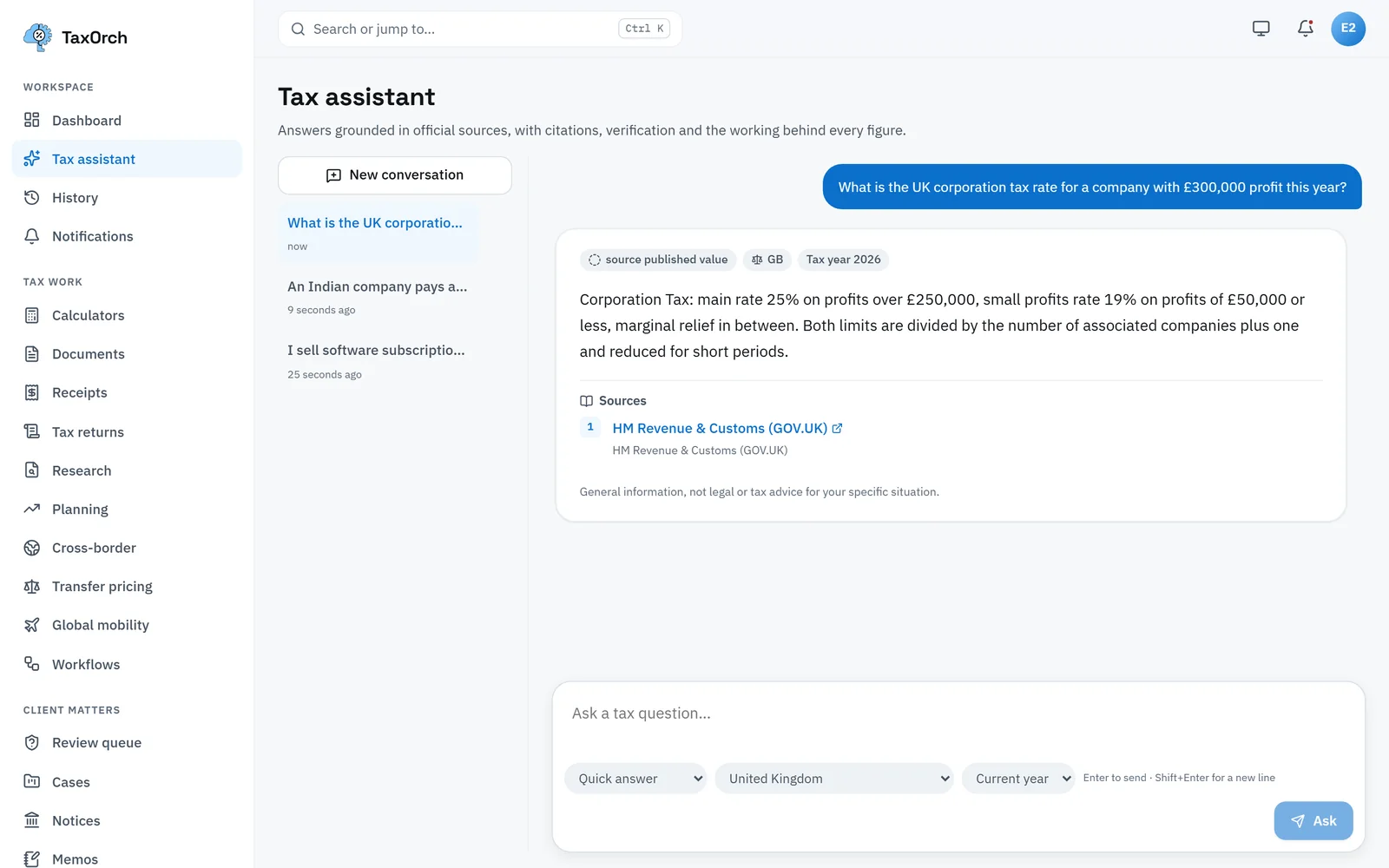
UK corporation tax: main rate, small profits rate and marginal relief, cited to HMRC.
Look up income tax bands
For Japan, the assistant lists the central-government income tax bands for 2026 from 5% up to JPY 1,949,000 through 45% over JPY 40,000,000, states that local or regional income taxes, surcharges and social contributions are not included, and cites the National Tax Agency. Bands are given; a liability is not computed.
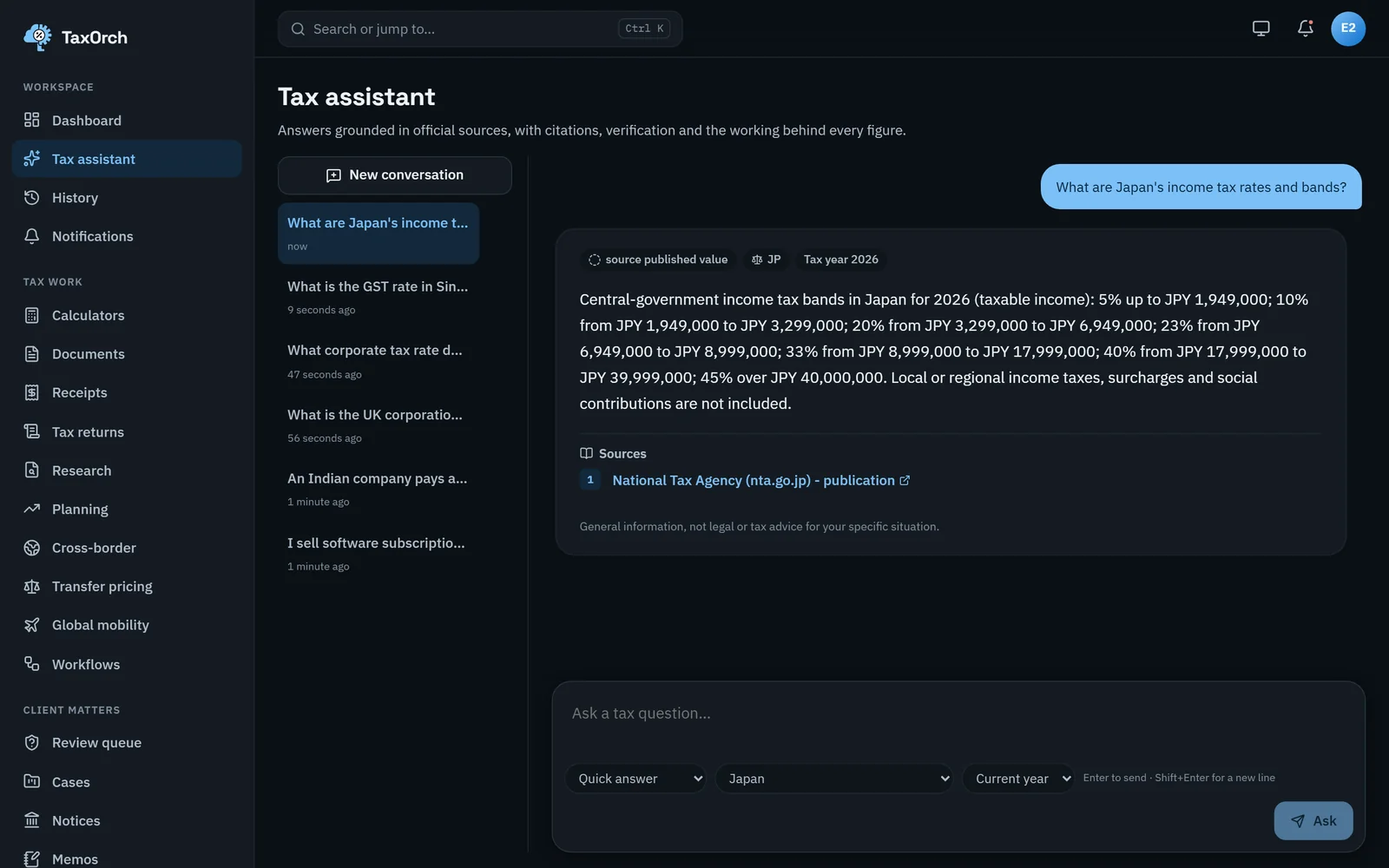
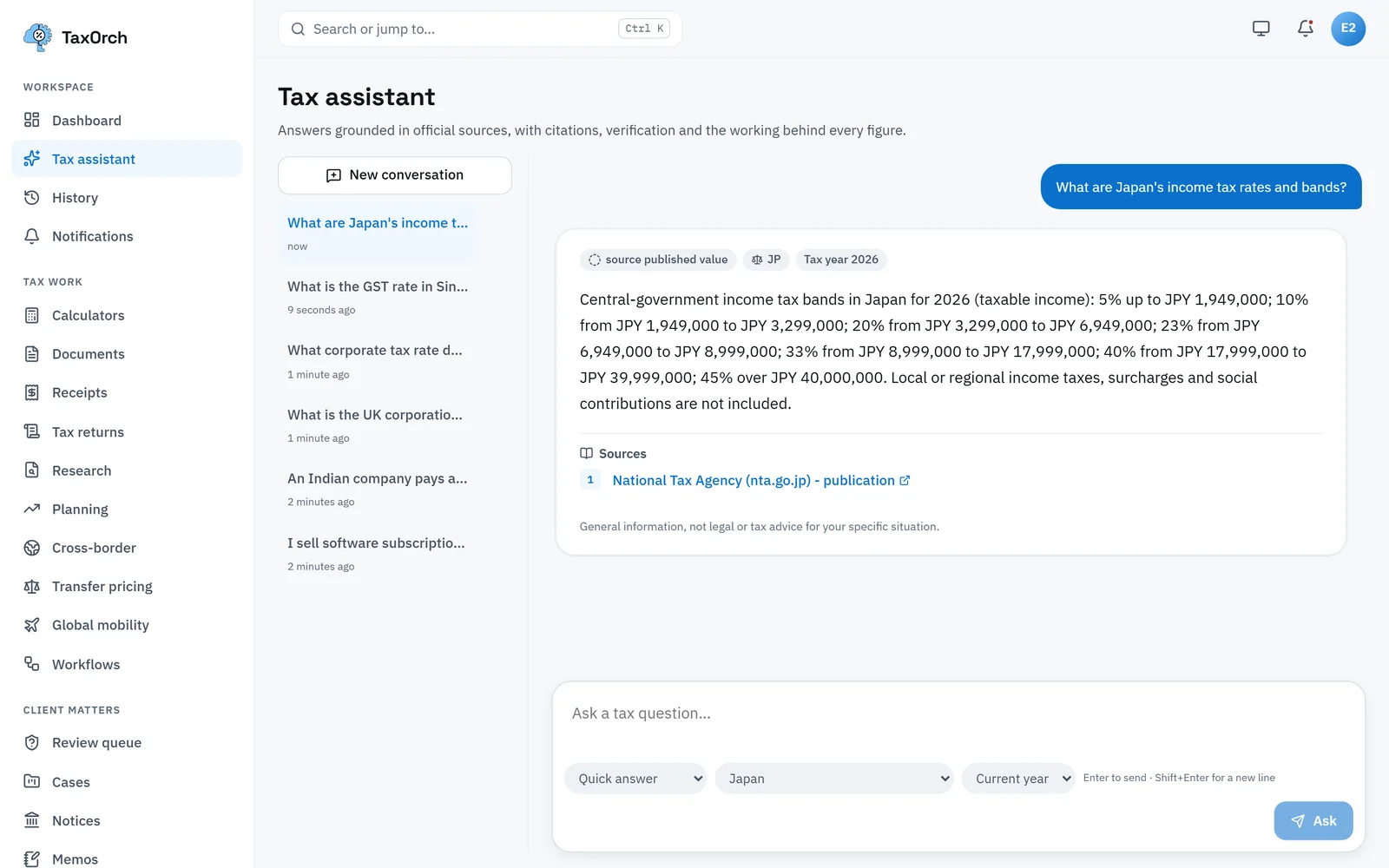
Japan's income tax bands for 2026, from the National Tax Agency's publication.
Convert currency and check a tax ID
The Currency tab converts an amount between currencies with the rate and date shown, so a foreign invoice can be recorded in the books at a stated rate. Tax ID check validates the format of a tax identifier before it goes on an invoice.
Open a global mobility assignment
Global mobility records an employee's assignment: home and host country, kind (short-term assignment and others), start and end dates, and who bears the cost, which decides whether the host employer is the economic employer and whether a short-stay treaty exemption survives. Travel days and consent counts have their own tabs.
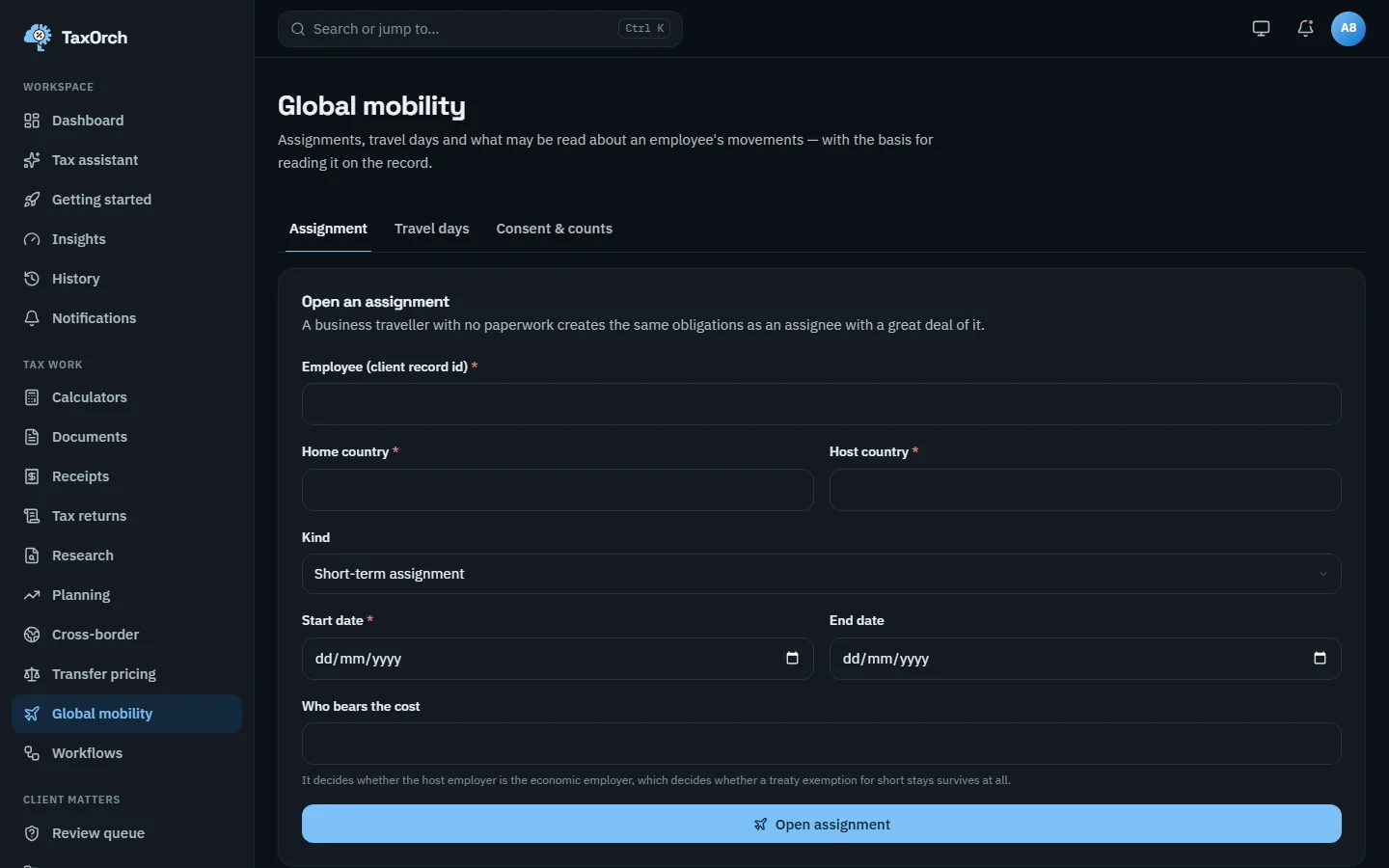
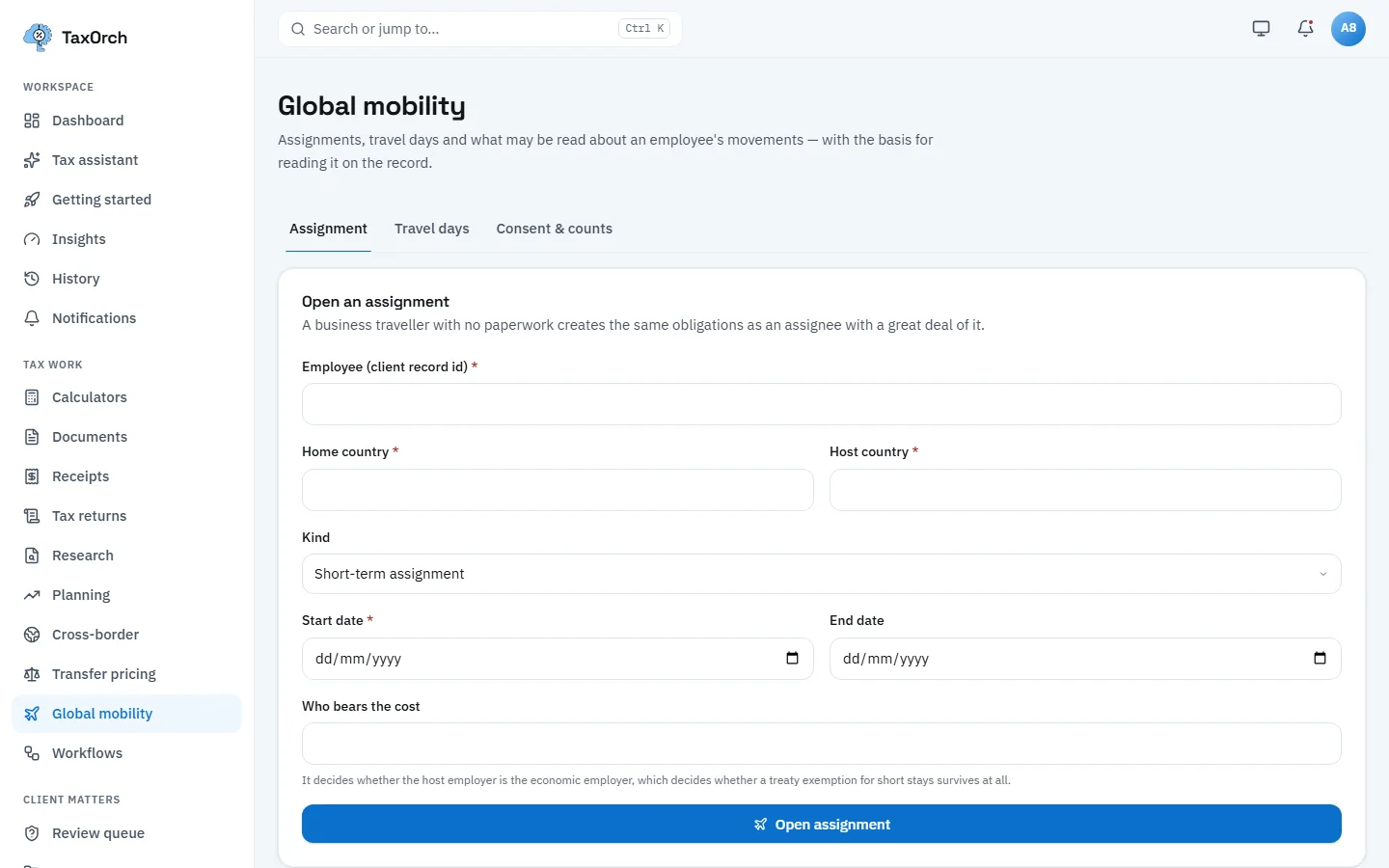
Global mobility: the assignment form, with the cost-bearer field explained.
Tips
- Set the tax year deliberately; a treaty ceiling and a domestic rate can change in different years.
- Keep the residency certificate with the payment record; the calculator tells you it is needed, it cannot obtain it.