
Tax compliance software
Tax compliance software should show what is due, what was decided and who decided it. TaxOrch tracks filing obligations and their status, seals every tax classification decision in a tamper-evident trail so a later edit cannot go unnoticed, and exports proofs for an auditor in one bundle. Nothing is filed without a person approving it.
How TaxOrch does it
Obligations and status
Filing obligations with their due status, in one place per client.
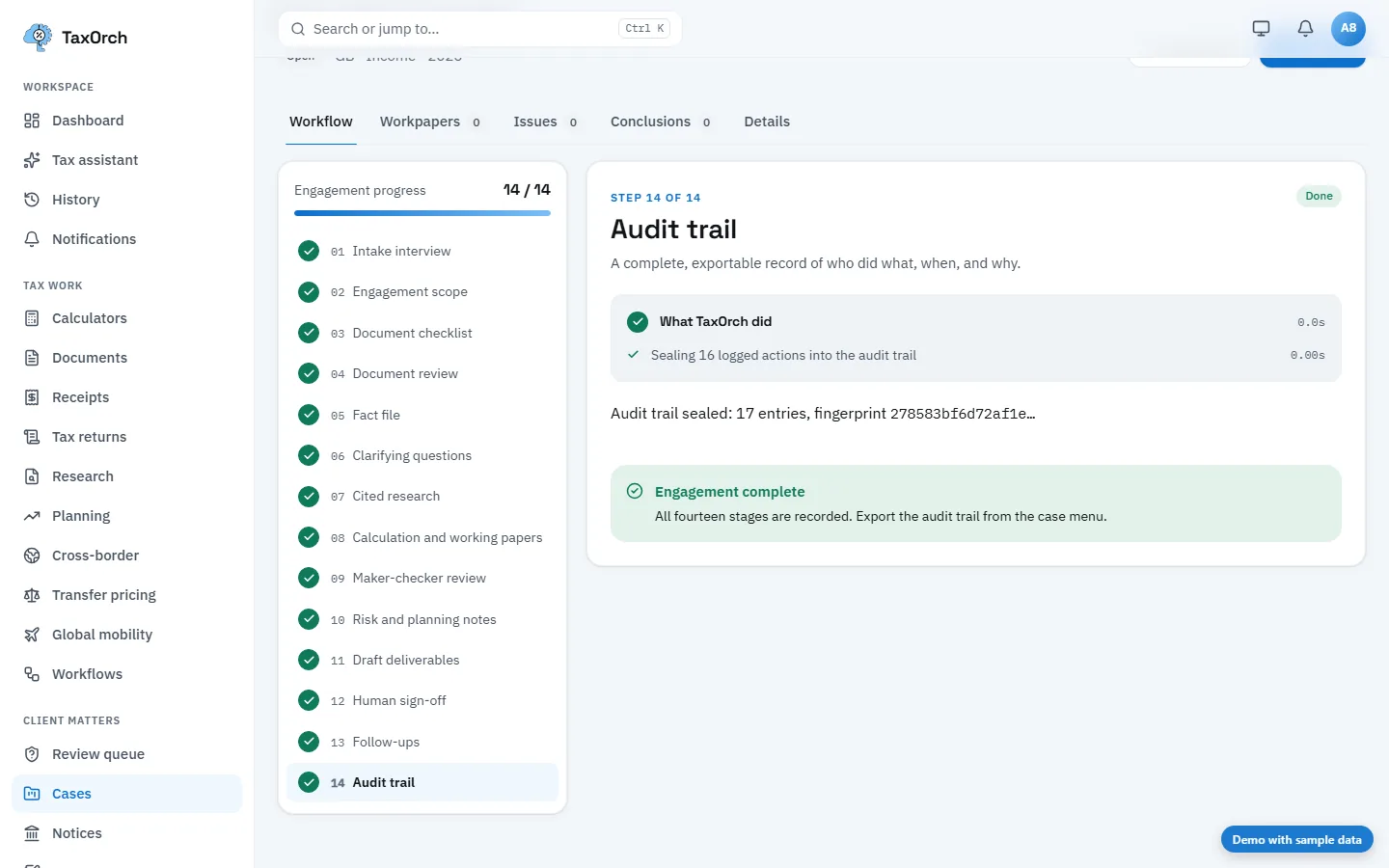
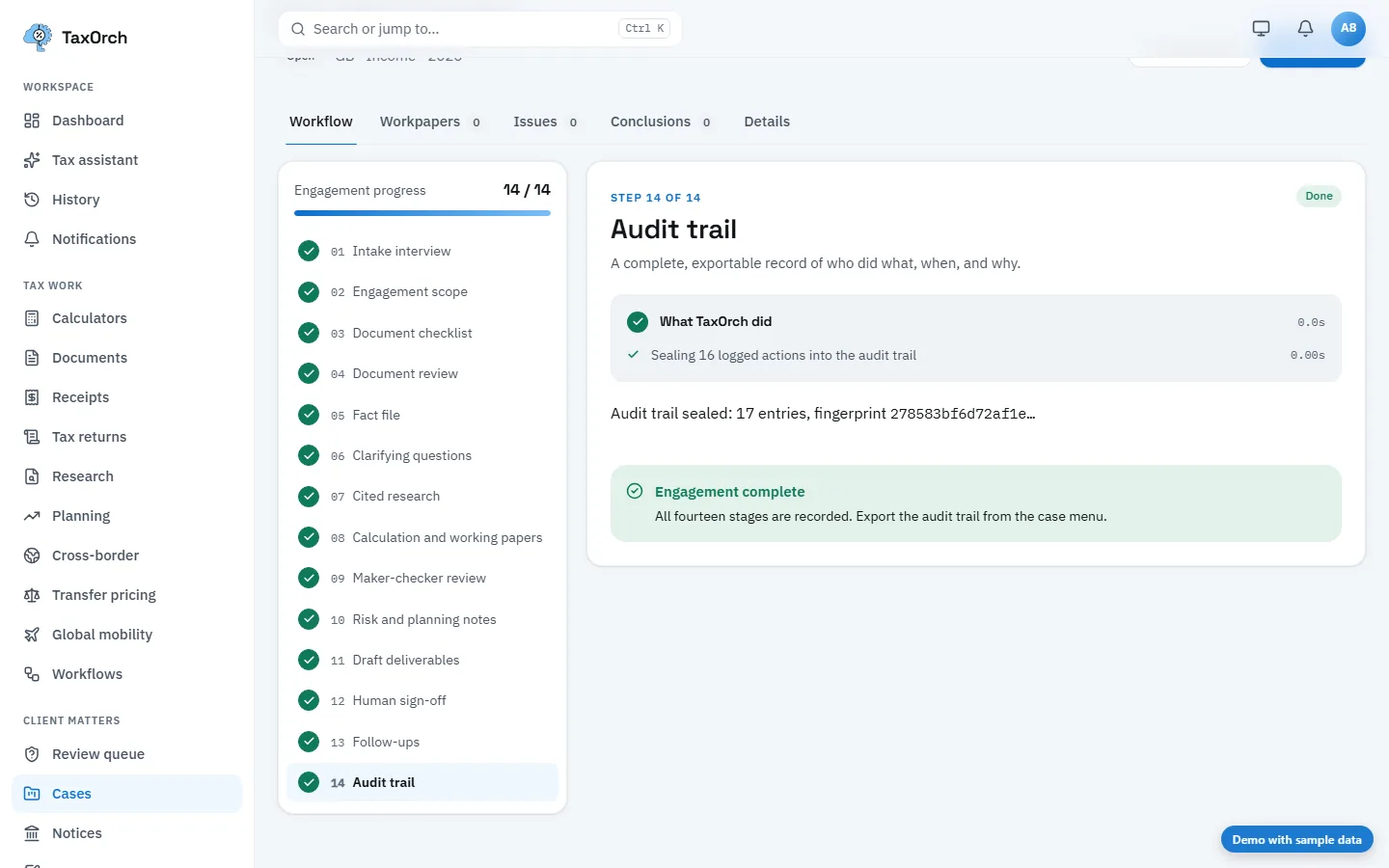
Decisions sealed in order
Every tax classification decision is recorded in a chain; editing a past one breaks it visibly.
Proof on demand
Proofs of the firm's records are generated and exported for an auditor as one bundle.
People approve
Drafts and packages are marked not filed until a professional signs them off.
Questions buyers ask
Does TaxOrch file returns automatically?
No. TaxOrch prepares and checks; a professional approves before anything is filed.
What makes the record tamper-evident?
Decisions are chained in order, so changing any earlier entry breaks the chain and is detected.
Bring one engagement and check the file.
Not a demo of a happy path — a real matter, worked through to a pack, so you can look at what a reviewer would actually see and decide whether it holds.
Decision support, not tax advice. A professional reviews before anything is filed.